

The best free AI image generators in 2026 are the ones that actually let you create AI images without a credit card, not the ones that hand you three credits and a paywall. This guide ranks 61 free and freemium tools by real monthly traffic.
I personally hands-on tested and generated images across more than 30 of them; the rest are ranked and fact-checked against verified current specs, real traffic data, and documented free-tier terms, not guesswork. Top all-rounders: ChatGPT, Google Gemini, Canva, DeepAI, and Leonardo AI.
Featured: LTX Studio , AI video production for teams taking their images all the way to a finished video (script, storyboard, shots, and edit in one place).
Related guide: Publishing AI-assisted content? Check it against the best AI detectors for 2026 before you hit publish.
Last month I generated over 2,000 images across more than 30 AI image generators, the same hands-on way I test the best AI writing tools. Most of them wasted my time.
The “free” plans ran out after three images. The quality looked like it was rendered on a calculator from 2005. And the ones that actually produced decent results wanted $20 a month before I could download anything without a watermark.
That experience is exactly why I rebuilt this list from the ground up.
If you have searched for a free AI image generator recently, you already know the problem. Every list out there pads itself with tools that are technically free for about ten minutes.
They give you a handful of credits, show you what the premium output looks like, and then hit you with a paywall. That is not free. That is a demo.
I wanted to find the AI image generators that actually let you create images without pulling out your credit card. Some are completely unlimited.
Some have daily limits generous enough for real work. And a few produce output that genuinely competes with paid tools like Midjourney.
This guide covers the 61 best free AI image generators for 2026, each with a dedicated breakdown of what you get for free, where it falls short, and who it is best for; for AI that redesigns real rooms, see our AI interior design app guide. I hands-on tested more than 30 of the highest-traffic tools directly across over 2,000 generated images; the remaining tools are ranked by real traffic and verified against each vendor’s current official terms as of Jul 14, 2026. No affiliate-driven hype, no filler entries.
If you are looking to explore free AI tools across every category, I keep a running list of the best free deals that gets updated weekly.
Best free AI image generators at a glance
Short on time? Here is the verdict before the full breakdown, with the reasoning and the exact date each claim was last checked.
| Featured | LTX Studio | AI video production for creative teams , the full script-to-edit workflow in one place, for when your images are really the front end of a video project. |
|---|---|---|
| Best overall | Google Gemini (Nano Banana Pro) | Free use now runs on a flexible, compute-based limit instead of a hard daily cap, and quality plus text rendering beats every other free tool. Tested: Jul 14, 2026 |
| Best without sign-up | Perchance | Genuinely no account, ever, confirmed directly on Perchance’s own generator page. Tested: Jul 14, 2026 |
| Best unlimited option | DiffusionArt | No ads, no watermark, and a commercial license included on the always-free plan. Tested: Jul 14, 2026 |
| Best for text in images | Ideogram | Still the strongest free option for rendering readable text, though the free allowance is 10 generations a week, not a day. Tested: Jul 14, 2026 |
| Best for commercial use | Adobe Firefly | Trained on licensed Adobe content, the safest free choice for anything you plan to sell. Tested: Jul 14, 2026 |
| Best for marketers | Canva Magic Media | Generates images directly inside the same tool you will use to turn them into a finished graphic or ad. Tested: Jul 14, 2026 |
Build your own shortlist
Filter the 61 tools by what actually matters to you, check the boxes for the ones you want to try, and compare them side by side. Your shortlist is saved in this browser so it is still here next time you visit.
| Tool | Free Tier | Cheapest Paid | Sign-Up? | Watermark | Commercial Use | Mobile App |
|---|
How I ranked these 61 free AI image generators
I ranked this list by real monthly organic traffic (how many people actually visit each tool, measured in Ahrefs), hands-on testing of the free tier on the 30-plus tools I generated images with directly, and verified specs from each vendor’s current official pricing page for every tool on the list. That ordering matters: a tool that millions of people use every month has usually earned that attention with a free tier that works, an interface people understand, and output that holds up. Popularity is not proof of quality, so I tested each one and added an honest verdict, but starting from what people actually use keeps this list grounded in reality instead of affiliate priorities , the same standard behind our hands-on AI tool reviews.
A few ground rules for what made the cut:
- It has to be genuinely usable for free. Either a free tier with a real daily or monthly allowance, a no-signup generator, or an open-source model you can run yourself.
- Every entry gets the honest version. What the free tier includes, where it stops, and whether the upgrade is worth it.
- Traffic is the sort order, not the verdict. ChatGPT sits at the top because over a billion people visit it monthly, not because it is automatically the best for your specific job. The “best for” line on each tool tells you who should actually use it.
Once you have an image, you can animate it into video. See our Epochal review for a multi-model AI video generator that turns stills and prompts into clips.
If faces and headshots are what you actually need, our dedicated free AI portrait generator guide ranks 30 tools tuned specifically for that. And if video is the end goal rather than a single still, see the full 60 best free AI video generators comparison.
Quick comparison: 61 best free AI image generators 2026
Here is the full list ranked by monthly traffic, with the free-tier limit, cheapest paid plan, watermark and commercial-use status, and what each tool is best for. Scan it, then jump to any tool below for the full breakdown. Every cell below was checked against each vendor’s own current pricing or help page on July 14, 2026; where a vendor no longer publishes an exact number, we say so rather than guess, and where a claim materially changed since our last update, the tool’s own section below explains what changed.
Jump to a shortlist: no sign-up · unlimited · best for realism · best for text · commercial use · open source · build your own shortlist
| # | Tool | Free Tier | Cheapest Paid Plan | Sign-Up? | Watermark (Free) | Commercial Use (Free) | Mobile App | Best For |
|---|---|---|---|---|---|---|---|---|
| ★ | LTX Studio (Featured) | Free ($0, 800 one-time credits) | $15/mo (Lite) | Yes | N/A | Yes ($35+ Standard) | Web | Full AI video workflow for teams |
| 1 | ChatGPT (GPT Image) | Limited, slower gen (exact cap no longer published) | $8/mo (Go) | Yes | No (invisible C2PA) | Yes | Yes | Conversational image creation |
| 2 | Canva Magic Media | ~20 uses/month (resets monthly) | $12/mo (annual) | Yes | No | Unclear | Yes | Design workflow integration |
| 3 | Google Gemini (Nano Banana) | Compute-based, no fixed daily cap | $19.99/mo (AI Pro) | Yes | No (invisible SynthID) | Unclear | Yes | Best overall quality + text |
| 4 | Freepik AI | 20 images/day (personal use) | $20/mo ($14.50 annual) | Yes | Unclear | No (free tier) | Yes | Stock-style images + editing |
| 5 | DeepAI | Ad-supported, no fixed cap | $9.99/mo (Pro) | No | Unclear | Yes | Yes | No-friction quick generation |
| 6 | Meta AI (Imagine) | Free now, cap coming per Meta | Free (paid tier pending) | Partial | Unclear | Unclear | Yes | Social media images |
| 7 | Picsart | Personal use only, limits unpublished | $10.50/mo (Pro) | Yes | Yes | No (free tier) | Yes | Mobile editing + AI |
| 8 | Pixlr | Daily credits + ads | $2.49/mo (Plus) | Unclear | Unclear | Unclear | Yes | Browser photo editor + AI |
| 9 | Adobe Firefly | Daily-refreshing free generations, no plan needed | $9.99/mo (Standard) | Yes | No (Content Credentials metadata) | Unclear (free tier) | Yes | Commercial-safe images |
| 10 | Stable Diffusion (local) | Unlimited (self-hosted) | Free (open weights) | No | No | Varies by model license | No | Privacy + full control |
| 11 | Fotor | Daily credits | $8.99/mo (Pro) | Yes | Unclear | Unclear | Yes | All-in-one editing suite |
| 12 | Leonardo AI | 150 Fast Tokens/day | $12/mo (Essential) | Yes | No | Yes, non-exclusive | Yes | Creative control + fine-tuning |
| 13 | Midjourney | No free tier | $10/mo (Basic) | Yes | N/A | Yes | No (web/Discord only) | Best paid art quality |
| 14 | SeaArt | ~130 Stamina/day (~21 images) | $5.99/mo | Yes | Likely (free) | No (free tier, likely) | Yes | Anime + community models |
| 15 | Google Flow (formerly ImageFX) | Unconfirmed for Flow | Bundled in Google AI Pro/Ultra | Yes | Unclear | Unclear | Yes | Batch iteration (now Google Flow) |
| 16 | Arena (formerly LM Arena) | Free for core comparisons | No standalone consumer plan found | Partial (login for video/history) | Unclear | No (personal/internal use only) | No | Side-by-side model testing (now Arena) |
| 17 | Perchance | Unlimited | Free | No | No | Unclear | Unofficial app only | No-signup unlimited |
| 18 | Hugging Face Spaces | Unlimited, queue-based | Free (varies by Space) | Optional | Depends on model | Depends on model license | No | Free open-source models |
| 19 | Krea AI | 100 compute units/day (~3-103 images, model-dependent) | $9/mo (Basic) | Yes | Unclear | No (free tier) | Yes | Fast real-time Flux |
| 20 | OpenArt | One-time signup credit bonus, not recurring | $14/mo (Essential) | Yes | Unclear | No (until $29/mo Advanced) | Yes | Multi-model + workflows |
| 21 | Photosonic (Writesonic) | Unverified - product deprioritized | Unverified | Yes | Unclear | Unclear | No | Image + copy together |
| 22 | Runway | 125 one-time credits | $12/mo (annual) | Yes | Yes | Discouraged (watermarked) | Yes | Image-to-video creators |
| 23 | Craiyon | Unlimited, watermarked | $10-12/mo | No | Yes | Yes, with attribution | Yes | No-signup meme images |
| 24 | PixAI | 10,000 credits/day | $10/mo (Starter) | Yes | Unverified | Unverified | Yes | Anime art + LoRAs |
| 25 | NightCafe | 5 credits/day + unlimited thumb-res base gen | $12.50/mo (~$7.49 annual) | Yes | Unconfirmed | Yes (no copyrighted inputs) | PWA only | Art styles + community |
| 26 | Grok (xAI) | No free image generation (removed) | $30/mo (SuperGrok) | Yes | N/A | N/A | Yes | No longer free - kept for reference only |
| 27 | Playground AI | 5-10 images/3hrs (Playground’s own page is inconsistent) | $12/mo (annual) | Yes | Unclear | No (free tier) | Unconfirmed | Template-based design |
| 28 | Ideogram | 10 credits/week | $15/mo (Plus) | Yes | No (images public by default) | Yes | Yes | Text inside images |
| 29 | Mage.space | Limited (300-Gem signup bonus) | $10/mo (Basic, for unlimited gen) | Optional | Unclear | Yes, all tiers | Yes | Stable Diffusion + SDXL free |
| 30 | Simplified | Unlimited (one model: Flux Schnell only) | $20-30/mo (pricing in flux) | Yes | No | Yes, including free plan | Yes | Marketing content suite |
| 31 | Clipdrop | 20-50 uses/24h depending on tool | $15/mo (Pro) | Yes | Unverified | Unverified | Unconfirmed | Editing tools + cleanup |
| 32 | Recraft | 30 credits/day | $12/mo (monthly) | Yes | Unclear | No (free tier) | Yes | Vectors, logos, brand sets |
| 33 | Hotpot AI | Pay-as-you-go credits, some tools no login | Credit packs (no flat plan) | Optional | Unclear | No (free tier) | Unconfirmed | Quick edits + headshots |
| 34 | Microsoft Designer | 15 AI credits/month (boosts deprecated) | Bundled in Microsoft 365 | Yes | Unclear | Unclear | Yes | Best Microsoft 365-linked option (no longer unlimited) |
| 35 | Getimg.ai | None - paid only (verified Jul 2026) | $10/mo ($8/mo yearly) | Yes | N/A (paid only) | Paid plans only | Unconfirmed | Paid multi-model suite (no free tier) |
| 36 | Jasper Art | 7-day Pro trial only | ~$59-69/mo (unverified exact figure) | Yes | No | Yes | No | Brand-consistent marketing |
| 37 | Civitai | 25 Buzz/day claimable (more via site actions) | $10/mo (Bronze, new members) | Yes | No | Depends on model license | No | Community models + LoRAs |
| 38 | Tensor.Art | Daily credits (exact figure unpublished) | $9.90/mo (Pro) | Yes | Unclear | Unclear | Unconfirmed | Free SD/Flux model runner |
| 39 | Phot.AI | Free/trial tier, watermarked | $40.83/mo (Starter) | Yes | Yes (free tier) | Unclear (free tier) | Unconfirmed | Product photos + edits |
| 40 | DeeVid | Trial credits (shared with video) | ~$19-$35/mo | Yes | Yes | Discouraged (watermarked) | Yes (iOS/Android) | Video-first image generation |
| 41 | VanceAI | 3 credits/month | $9/mo | Yes | Yes (free tier) | Unclear | Unconfirmed | Upscaling + enhancement |
| 42 | StarryAI | 5 credits/day + one-time 25-image bonus | $12-15/mo (Starter) | Yes | No | Yes | Yes | Art on mobile |
| 43 | Deep Dream Generator | Energy-based, tied to user level | $9/mo (Basic) | No | No | No (unless paid subscription active) | No | Surreal artistic styles |
| 44 | Artbreeder | Limited, ~512px resolution cap | $7.49/mo (annual) / $8.99 (monthly) | Yes | Unclear | Unclear | Yes | Blending + character design |
| 45 | Lexica | None - no free plan exists | $8/mo (Starter) | Yes | No | Paid plans only | Yes | Prompt search + SDXL |
| 46 | Monica | 40 chat accesses/day + limited image/video trial | $8.30/mo (Pro) | Yes | Unclear | Unclear | Yes | All-in-one AI assistant |
| 47 | Dream by WOMBO | 5 credits/day, watermarked | $19.99/mo (Standard, monthly) | Unconfirmed | Yes (free tier) | Unclear | Yes | One-tap mobile art |
| 48 | Shakker AI | Daily credits (exact figure unconfirmed officially) | $10-12/mo (Basic) | Yes | Unclear | No (free tier, likely) | Unconfirmed | ControlNet + reference control |
| 49 | Dezgo | Unlimited, rate-limited, lower-res | Pay-as-you-go (from ~$10 top-up) | No | Unclear | Yes, free and paid | No | Uncensored SD models |
| 50 | Aitubo | 50 tokens/month + up to 50/day via check-in | $13-15/mo (Basic) | Yes | Unclear | Yes | Yes | Game + anime assets |
| 51 | Imagine.art | 100 credits, refresh every 24h | $13/mo ($9/mo billed yearly) | Yes | Unclear | Unclear | Yes | All-round text-to-image |
| 52 | Pebblely | None - no free tier | $9/mo (Lite) | Yes | Unclear | Yes (paid only) | No | Product photography |
| 53 | Stockimg AI | Unclear (no Free plan shown on current pricing page) | $12/mo (Starter) | Yes | Unclear | Subscribers only | Yes | Logos, posters, stock |
| 54 | Scenario | 50 credits/day, no card required | $15/mo (Starter) | No card required | Unclear | No (free tier - personal/evaluation only) | Unconfirmed | Game art + custom models |
| 55 | Bria AI | 100 generations, one-time trial (not recurring) | Pay-as-you-go (~$0.02-0.03/image) | Yes | N/A | Yes, licensed/commercial-safe | No | Licensed, commercial-safe |
| 56 | Stability AI Platform (formerly DreamStudio) | 25 free credits at signup (~3-8 images) | Pay-as-you-go credits | Yes | Unclear | Governed by general ToS | No | Official Stable Diffusion access (now Stability AI Platform) |
| 57 | DiffusionArt | “Always free” plan, rate-limited | $5/mo (annual, Starter) | Unclear | No | Yes, included on free plan | Unconfirmed | No-signup multi-model |
| 58 | Pollinations | Requires API key; Pollen token economy | Usage-based (Pollen) | Yes (API key) | Unclear | Unclear | No | Developers + free API |
| 59 | CGDream | 100 credits/day | $10/mo (Basic) | Yes | Unclear | No (free tier; Premium only) | No | Custom style filters |
| 60 | Raphael AI | 10 credits/day (Fast Mode); unlimited on slow basic model only | $10/mo (Pro, annual) | No (to start) | Yes (free tier) | No (free tier) | No (in development) | Free Flux, no signup |
| 61 | Flux (Black Forest Labs model) | Varies: schnell is open/free, dev is free but non-commercial | Varies by hosting platform | Varies by platform | Varies by platform | Yes (schnell) / No (dev, without license) | N/A (accessed via other apps) | Photorealistic texture |
Now let me walk you through each one in detail, starting with the most-used free AI image generators on the internet.
LTX Studio - AI video production for creative teams
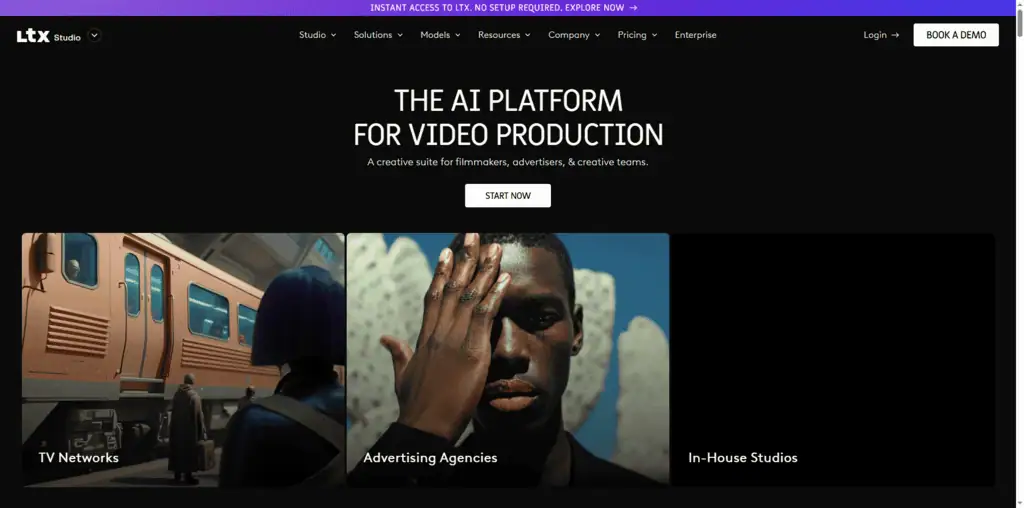
Most tools on this list stop at a single still. LTX Studio is built for the step after that: an AI video production platform for creative teams and agencies that runs the full workflow - scripting, storyboarding, shot generation, and editing - in one environment. It is aimed at teams that need consistent, brand-safe output at scale instead of stitching separate tools together. If the images you are generating here are really the front end of a video project, it is worth a look.
Best for: Creative teams and agencies producing full AI video - script to storyboard to shots to edit - who need consistent, brand-safe output at scale rather than one-off clips.
Pricing: Free plan ($0, 800 one-time credits, personal use). Paid plans run $15/mo (Lite), $35/mo (Standard, which adds commercial use), and $125/mo (Pro), with about 20% off on annual billing.
Explore LTX Studio →LTX Studio , AI video production for creative teams
Most tools on this list stop at a single still. LTX Studio is built for the step after that: an AI video production platform for creative teams and agencies that runs the full workflow , scripting, storyboarding, shot generation, and editing , in one environment. It is aimed at teams that need consistent, brand-safe output at scale instead of stitching separate tools together. If the images you are generating here are really the front end of a video project, it is worth a look.
Best for: Creative teams and agencies producing full AI video , script to storyboard to shots to edit , who need consistent, brand-safe output at scale rather than one-off clips.
Pricing: Free plan ($0, 800 one-time credits, personal use). Paid plans run $15/mo (Lite), $35/mo (Standard, which adds commercial use), and $125/mo (Pro), with about 20% off on annual billing.
The 61 free AI image generators, ranked
1. ChatGPT (GPT image): Best for conversational image creation
Best for: Anyone who wants to create and refine AI images through plain conversation.
Free tier verified: Jul 14, 2026
ChatGPT is the most-visited AI tool on the planet, and its built-in image generation is the reason a lot of people never bother opening a dedicated generator. You describe what you want in chat, it produces an image, and then you refine it the same way you would talk to a designer: “make the background darker,” “add a coffee cup,” “now make it a wide banner.” That conversational loop is what makes it special. You do not need to learn prompt syntax, because the model fills in the gaps.
The free tier lets you generate a few images per day before it slows you down or asks you to wait. Quality is excellent for illustrations, mockups, and social graphics, and text rendering is strong.
The honest downside is the tight free limit and the queue at busy times. If you generate images all day, the free allowance runs out fast.
Pricing: Free with an OpenAI account. ChatGPT Plus is $20 a month for higher limits and priority.
2026 update: OpenAI no longer publishes an exact daily image cap; free just means “limited and slower” generation. OpenAI also added a new $8/month Go plan below Plus ($20/mo) and Pro ($100/mo).
Best for: Beginners and busy creators who want to describe an image in words and iterate without learning a single prompt trick.
2. Canva magic media: Best for design workflow integration
Best for: People who design the actual graphic, not just the raw image.
Free tier verified: Jul 14, 2026
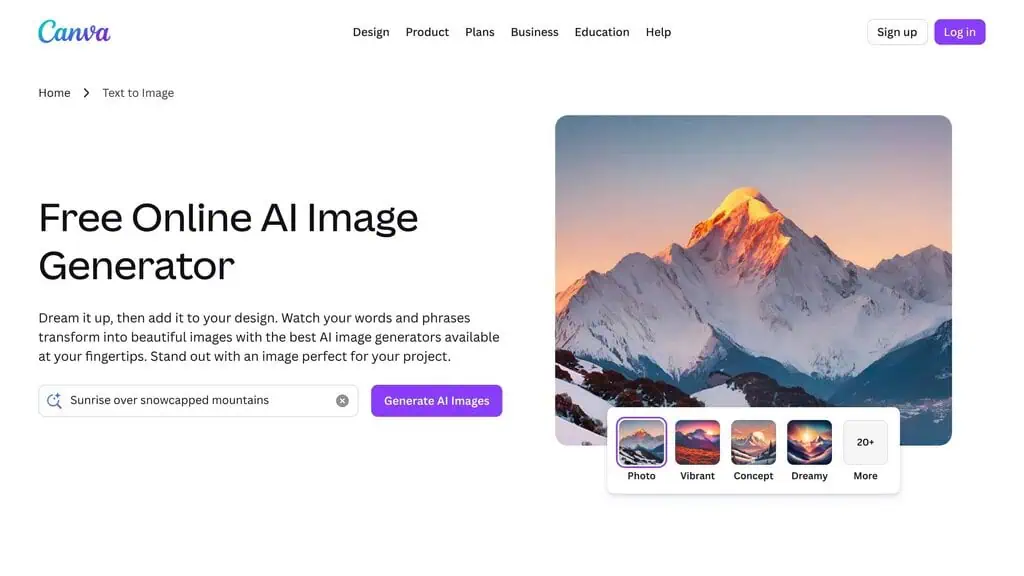
Canva is the second most-visited tool on this list because it is where millions of people already make their social posts, presentations, and thumbnails. Magic Media is its built-in text-to-image generator, and the advantage is not raw quality, it is context.
You generate an image and it lands directly on your canvas, where you can drop it into a template, add text, resize for Instagram, and export. No downloading and re-uploading between tools.
The free plan gives you a limited number of Magic Media generations (roughly 50 lifetime uses on free, with more on Pro). Output is good rather than best-in-class, and the free generation cap is low if image creation is your main job. But for a blogger or small business owner who needs a finished graphic and not just a picture, the workflow integration is worth more than a slightly sharper render elsewhere.
Pricing: Free with limited Magic Media uses. Canva Pro is around $15 a month and lifts the limits.
Correction: this is not a lifetime allowance. Canva’s own Help Center caps free Magic Media use at about 20 Premium AI uses per month, resetting every month.
Best for: Bloggers, marketers, and small teams who want the image and the finished design in one place.
3. Google Gemini (Nano Banana): Best overall free AI image generator
Best for: Anyone who wants the highest-quality free AI images with genuinely accurate text.
Free tier verified: Jul 14, 2026
Try Google Gemini (Nano Banana) →
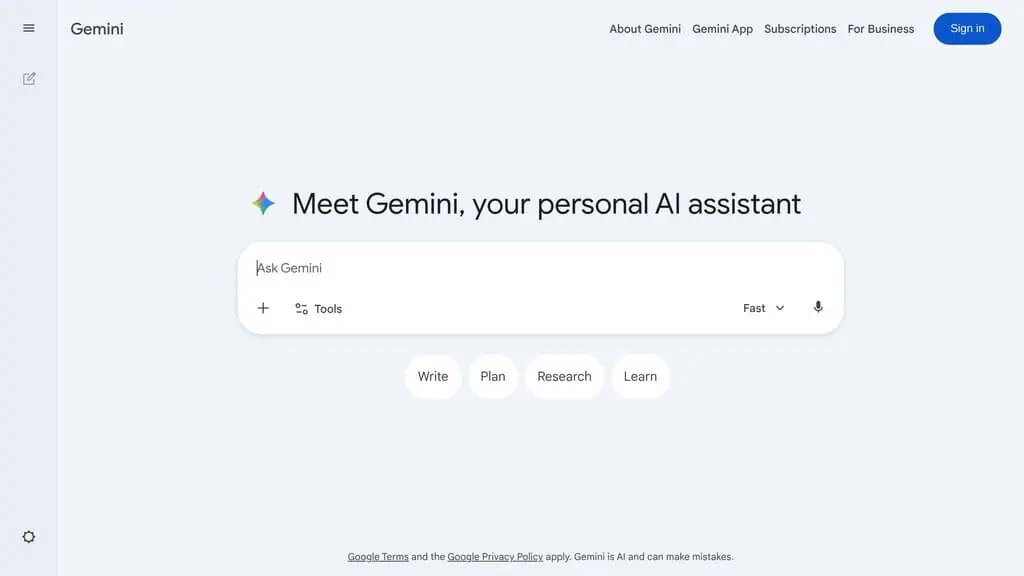
Google changed the free AI image game when it shipped Nano Banana and then Nano Banana Pro inside Gemini. I have tested dozens of generators this year, and for sheer output quality on a free tier, nothing else comes as close. Nano Banana Pro renders natively at up to 2,048 x 2,048 pixels, not upscaled, where most free tools cap at 1,024.
Text rendering is where it pulls away. I fed it full paragraphs on t-shirt and poster mockups and it got every word right on the first try, no garbled letters.
Six months ago every model botched anything past a few words. You access it free at Google Gemini: open it, click create image, type your prompt. The free tier is roughly 10-15 generations a day before the rate limit resets.
If you are currently paying $20-30 a month for a generator elsewhere, Gemini’s free tier is worth testing against your actual workload before you renew. The catch is you have to plan around the usage limit. For presentation mockups and social graphics, the quality holds up well against paid tools in the same range.
The honest downside: The daily cap is the bottleneck for high-volume work, and Google’s safety filters block some creative prompts. You also cannot tune parameters like guidance scale the way open-source tools allow.
Pricing: Free with a Google account. Google AI Premium starts at $19.99 a month for higher limits.
2026 update: Google removed the fixed daily cap in 2026; free use now runs on an opaque, compute-based limit that refreshes every few hours plus a weekly ceiling, rather than a flat 10-15/day.
Best for: Designers and marketers who need top-tier quality and accurate text and can work within a daily limit.
4. Freepik AI: Best for stock-style images and editing
Best for: Creators who want clean, commercial, stock-style visuals plus a full editor.
Free tier verified: Jul 14, 2026
Freepik is one of the most-visited design resource sites in the world, and it folded a strong AI image generator into that ecosystem. It runs multiple models (including Flux and its own) and pairs generation with upscaling, background removal, and a huge library of stock assets and templates. For the kind of polished, on-brand imagery that bloggers and marketers actually publish, Freepik’s output tends to land closer to “usable” than the more experimental tools.
The free tier gives you a daily allowance of AI generations plus limited downloads from the stock library. The catch is that the genuinely useful volume and the highest-resolution exports sit behind a subscription, and free downloads require attribution. Still, for stock-style work it is one of the most practical free options.
Pricing: Free with daily limits. Premium plans start around $9-12 a month billed annually.
2026 update: Freepik’s AI tools now operate under the “Magnific” brand (freepik.com/pricing redirects to magnific.com). Free-tier images are for personal use only, with attribution required; commercial rights start on the paid plan.
Best for: Bloggers and marketers who want clean, commercial visuals and editing tools in one place.
5. DeepAI: Best no-friction free generator
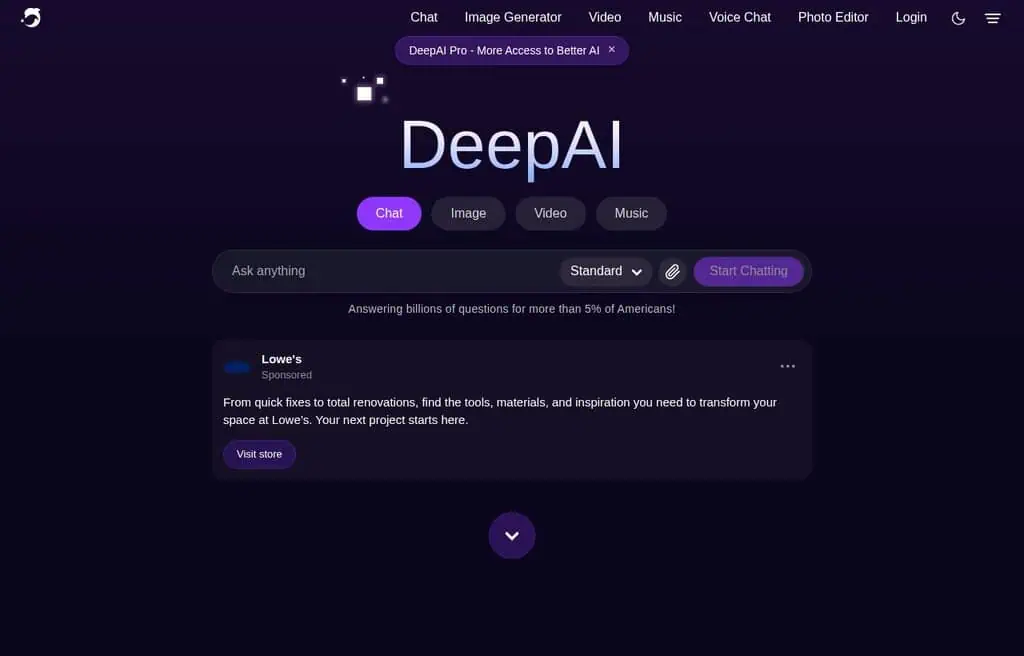
Best for: Quick, no-fuss images when you do not want to sign up or wait.
Free tier verified: Jul 14, 2026
DeepAI has quietly become one of the highest-traffic AI image generators on the web because it does one thing well: you type a prompt, pick a style, and get an image, often without creating an account. It is ad-supported and the free tier is generous, which is rare. The interface is plain and fast, and there are style presets (fantasy, cyberpunk, anime, photography) that do a lot of the prompting work for you.
Quality is fair to good rather than stunning. This is not where you go for a photorealistic hero image, but it is excellent for fast concept art, blog illustrations, and throwaway ideas. The honest limitation is that resolution and polish trail the top models, and the ads and upsells are constant.
Pricing: Free, ad-supported. DeepAI Pro is around $4.99 a month for more generations and higher resolution.
Best for: Anyone who wants a fast, low-commitment generator for concepts and quick illustrations.
6. Meta AI (Imagine): Best for social media images
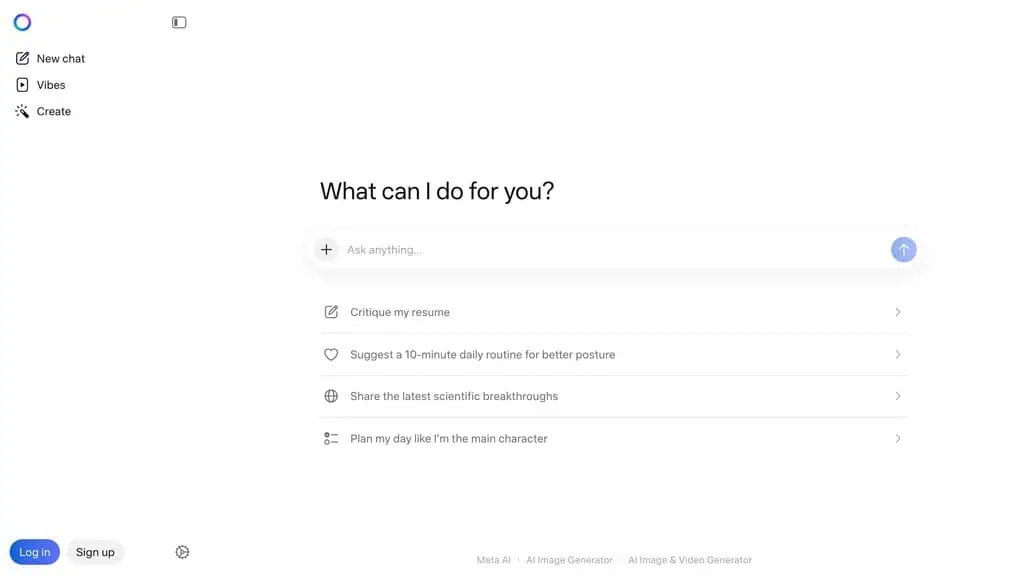
Best for: People already living inside Instagram, WhatsApp, and Messenger.
Free tier verified: Jul 14, 2026
Meta AI’s Imagine feature generates images free, with effectively unlimited use, right inside the apps billions of people already open every day. You can also use it on the web at meta.ai.
The output is tuned for social content: bright, clean, share-ready. Because it is baked into Instagram and WhatsApp, you can generate and post without ever leaving the app.
The quality is good for social graphics and casual creative work, though it trails Gemini and ChatGPT on fine detail and text. The honest downside is limited control: you get the image the model gives you, with fewer knobs to turn, and availability varies by country.
Pricing: Free with a Meta account.
2026 update: Meta rolled out a new, more advanced free image model called Muse Image on July 7, 2026, layered alongside the older Imagine tool, and both names are currently used side by side in coverage. Meta has said heavy use will eventually require a subscription, so “effectively unlimited” no longer holds without qualification.
A related Muse feature that let users generate images from any public Instagram account’s photos without that person’s consent caused a real privacy backlash and was pulled by Meta on July 10-11, 2026; the core Muse Image generator itself remains live. For a deeper look at the assistant it lives inside, see our full Meta AI review.
Best for: Social media creators who want fast, unlimited images without leaving the apps they already use.
7. Picsart: Best for mobile editing plus AI
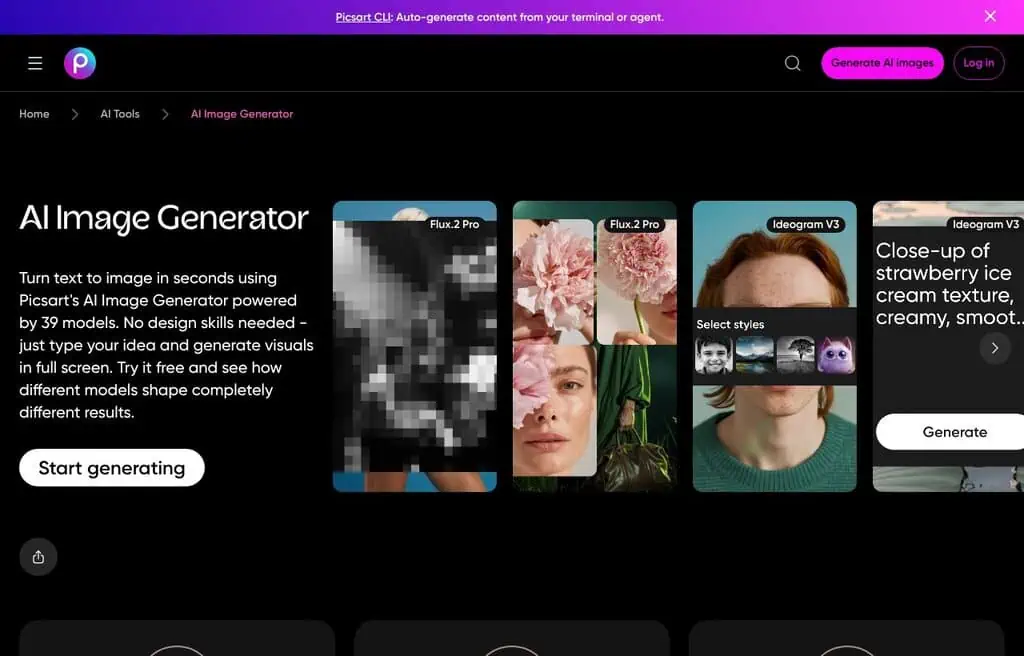
Best for: Mobile-first creators who edit as much as they generate.
Free tier verified: Jul 14, 2026
Picsart is a giant in the mobile photo-editing world, and its AI image generator rides on top of a genuinely deep editing suite. The real value is the combination: generate a background or element with AI, then cut it out, restyle it, add stickers and text, and finish the whole graphic on your phone. For social creators, that end-to-end flow beats a sharper standalone render you then have to edit elsewhere.
The free tier lets you generate and edit, but the best AI features, watermark-free exports, and the large asset library push you toward Picsart Gold. Free AI output can carry a watermark and lower resolution.
Pricing: Free with limits. Picsart Gold is around $5 a month billed annually.
Correction: Picsart’s official Pro plan is $10.50/month, roughly double the previous $5/month figure here. Free-tier output is restricted to personal, non-commercial use.
Best for: Mobile creators who want generation and full editing in one app.
8. Pixlr: Best browser photo editor with AI
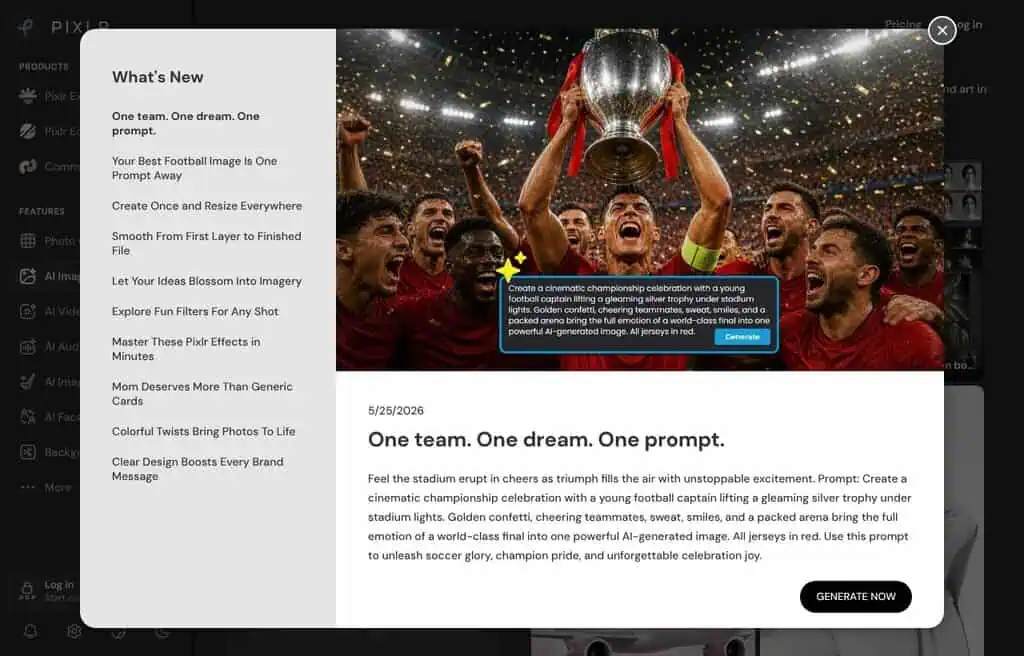
Best for: People who want a free Photoshop-style editor with AI generation built in.
Free tier verified: Jul 14, 2026
Pixlr has been a free browser image editor for years, and it added a solid text-to-image generator plus AI tools like background removal and generative fill. The appeal is that you generate an image and immediately have a real layered editor around it, no install required. For quick edits, marketing graphics, and AI generation in the same browser tab, it is one of the most practical free tools here.
The free plan runs on a daily credit system and shows ads, and the higher-resolution exports and advanced AI tools sit behind Pixlr Plus or Premium. Free output can be watermarked.
Pricing: Free with daily credits and ads. Plus starts around $5 a month.
Correction: Pixlr Plus is $2.49/month, cheaper than previously listed here.
Best for: Anyone who wants browser-based editing and AI generation together for free.
9. Adobe Firefly: Best for commercial-safe images
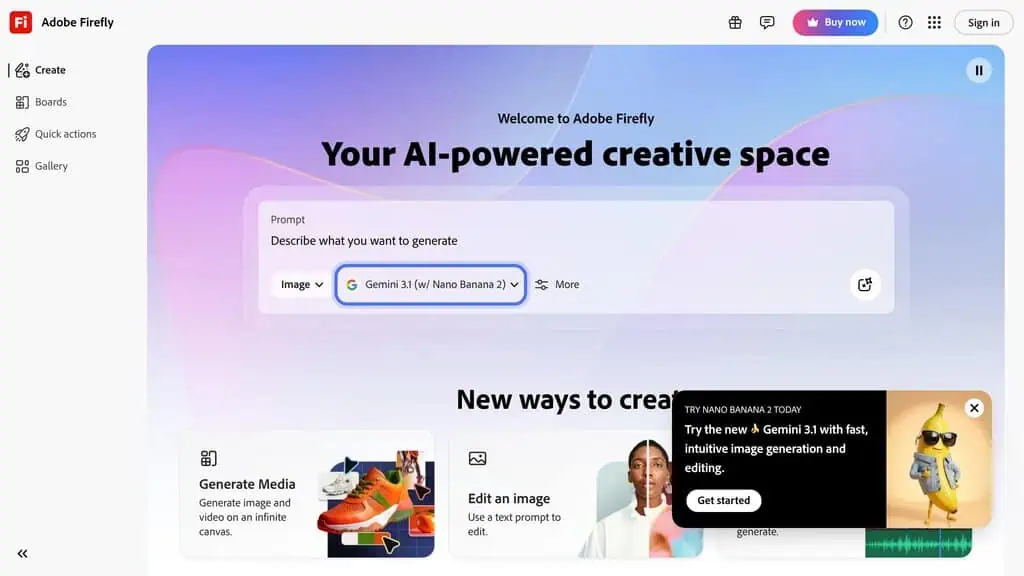
Best for: Businesses that need images trained on licensed content.
Free tier verified: Jul 14, 2026
Firefly’s biggest selling point is not raw quality, it is peace of mind. Adobe trained it on licensed Adobe Stock and public-domain content and offers commercial indemnity on its plans, which matters enormously if you are publishing images for a brand and worried about copyright. Its AI art generator integrates directly into Photoshop and Illustrator.
The free tier gives you 25 generative credits a month, which is tight, and once they are gone you wait for the monthly reset or pay. Output is very good and increasingly competitive, and you can now use partner models (including Google’s) inside Firefly. For commercial-safe work, the limited free tier is still worth it.
Pricing: Free with 25 monthly credits. Paid plans start around $9.99 a month.
2026 update: Adobe restructured Firefly’s free tier around 2026: instead of 25 credits/month, free accounts now get daily-refreshing generations (capped at 2K resolution), with four paid tiers above it starting at $9.99/month.
Best for: Brands and businesses that need commercially safe, indemnified AI images.
10. Stable Diffusion (web and local): Best for privacy and full control
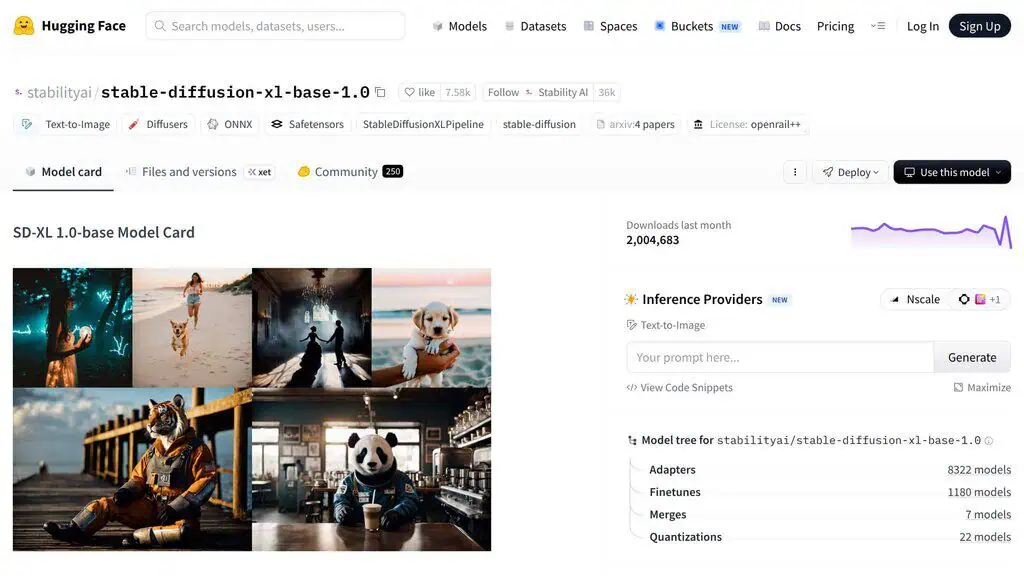
Best for: Anyone who wants unlimited, private, fully controllable image generation.
Free tier verified: Jul 14, 2026
Try Stable Diffusion (local) →
Stable Diffusion is the open-source backbone behind a huge share of the tools on this list. You can use it free through web front-ends like stablediffusionweb.com, or run it locally on your own machine with interfaces like Automatic1111, Fooocus, or ComfyUI. Run locally and it is genuinely unlimited and completely private: nothing leaves your computer, there are no daily caps, and you control every parameter (model, sampler, steps, guidance, seed, LoRAs).
That control is also the catch. The web versions are convenient but capped; the local route delivers the real power but needs a decent GPU and a willingness to learn. For anyone serious about volume, customization, or privacy, though, nothing beats running the model yourself.
Pricing: Free and open-source. Web front-ends may charge for faster generation.
2026 update: Stability AI’s own consumer web playground (DreamStudio) has been folded into a paid, enterprise-facing Stability AI Platform - it is no longer a free public web option. “Free and unlimited” now really means running Stable Diffusion locally on your own hardware.
Best for: Power users, developers, and privacy-conscious creators who want unlimited, tunable generation.
Visit Stable Diffusion (Web and Local)
11. Fotor: Best all-in-one editing suite
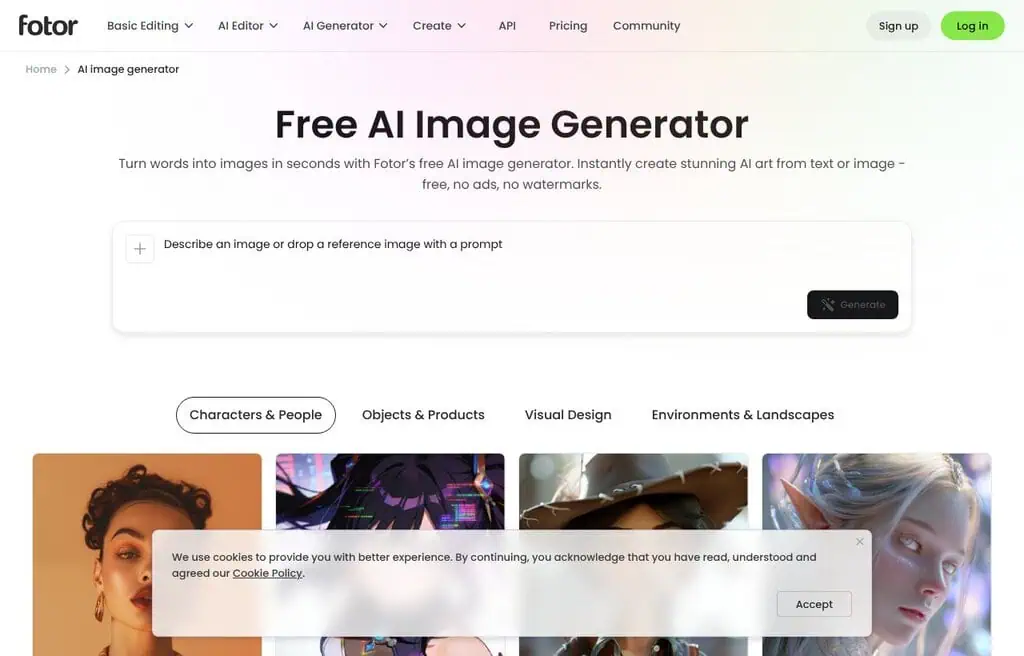
Best for: People who want an online editor and AI generator under one roof.
Free tier verified: Jul 14, 2026
Fotor is a long-running online photo editor that added a capable AI image generator alongside its design templates, retouching tools, and background remover. Like Pixlr and Picsart, the draw is the bundle: generate, then edit and finish without switching tools. It handles text-to-image plus AI portraits, headshots, and style transfer.
The free tier covers basic generation with daily credits, but exports are limited and the strongest AI features and watermark-free downloads need Fotor Pro. Output quality is good for everyday marketing and social work, not for fine-art detail.
Pricing: Free with daily credits. Fotor Pro starts around $8.99 a month.
Best for: Small businesses and creators who want editing plus generation in one affordable suite.
12. Leonardo AI: Best for creative control and fine-tuning
Best for: Creators who want real control over models, styles, and consistency.
Free tier verified: Jul 14, 2026
Leonardo AI is where a lot of people graduate to once they outgrow one-click tools. It gives you model choice, fine-tuned community models, image guidance, element and style references, and consistent-character features, all wrapped in an interface that does not require a local install. The output competes with paid tools, and the free daily token allowance is enough to do real work.
You get roughly 150 tokens a day on the free plan, which translates to a meaningful number of images depending on settings. The honest downside is a learning curve: the power comes from features you have to understand, and heavy use burns the daily tokens quickly.
Pricing: Free with 150 daily tokens. Paid plans start around $12 a month billed annually.
2026 update: Free-tier images default to Leonardo’s public feed and Leonardo retains a non-exclusive right to reuse them; full private ownership starts on paid plans.
Best for: Intermediate creators who want fine control and consistency without running models locally.
13. Midjourney: Best paid art quality (no real free tier)
Best for: Artists who want the most refined output and will pay for it.
Free tier verified: Jul 14, 2026
Midjourney belongs on any honest list because its image quality and artistic coherence remain a benchmark the free tools are measured against. The catch, and I want to be blunt, is that Midjourney no longer has a real free tier.
You need a paid plan to generate, starting around $10 a month. The occasional free trials it has run tend to disappear quickly.
So why include it? Because “free alternatives to Midjourney” is exactly why most people land on this guide, and you deserve the honest comparison. For pure aesthetic quality Midjourney still leads, but Gemini, Leonardo, Krea, and Flux-powered tools now get close enough that most people do not need to pay.
Pricing: No free tier. Plans start around $10 a month.
2026 update: Midjourney itself has no general-purpose mobile app; only its separate anime-focused sister app, niji journey, ships natively on mobile.
Best for: Professional artists and studios who want the most polished output and treat it as a paid tool.
14. SeaArt: Best for anime and community models
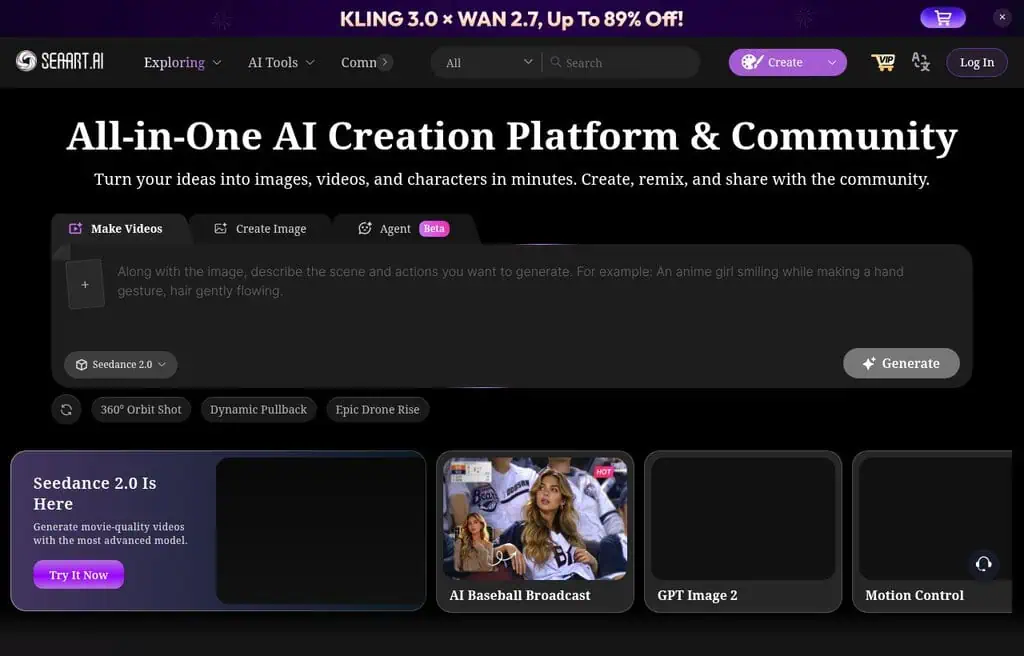
Best for: Anime, character art, and anyone who wants thousands of community models for free.
Free tier verified: Jul 14, 2026
SeaArt has grown into one of the highest-traffic image tools by doing what Civitai-style communities do, but with a friendlier free generator on top. It offers a massive library of community-trained models and LoRAs, strong anime and illustration output, and tools like ControlNet and inpainting that usually require a local setup.
The free tier runs on daily credits that reset, which is generous enough for hobby use. The honest limitation is that the best models, faster queues, and commercial terms push you toward a subscription, and the sheer number of models can overwhelm a beginner.
Pricing: Free daily credits. Paid plans start around $10 a month.
Correction: SeaArt’s official starting paid price is $5.99/month, not $10/month.
Best for: Anime and character artists who want deep model choice without installing anything.
15. Google flow (formerly ImageFX and Mixboard): Best for batch iteration
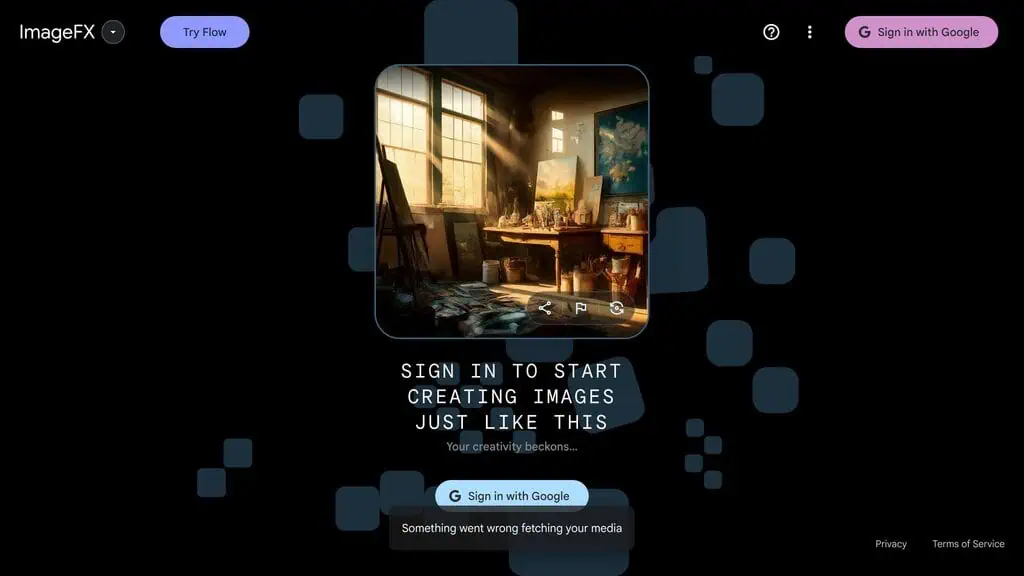
Best for: Iterating on a concept fast with expressive prompt chips.
Free tier verified: Jul 14, 2026
Try Google Flow (formerly ImageFX) →
Google’s other free image surface lives in Labs: ImageFX (and the Mixboard canvas) lets you generate with the same Imagen models behind Gemini, but with “expressive chips” that let you swap words in your prompt and instantly see variations. It is built for iteration: generate a batch, tweak one descriptor, regenerate, compare. For exploring a visual direction quickly, that loop is excellent.
The honest catch is availability: ImageFX and Mixboard roll out by region, so you may need a supported Google account or location. Output quality is very good, riding on Imagen, but the feature set is lighter than a full studio tool.
Pricing: Free with a Google account (regional availability varies).
2026 update: Google shut down ImageFX and Whisk on April 30, 2026, folding both into Google Flow. Mixboard is gone too. This entry now refers to Flow, the direct successor, running on Nano Banana Pro; we could not confirm an exact free daily or monthly image limit for Flow at the time of this update, so treat the specifics below as directional until independently verified.
Best for: Creators who want to explore variations of a concept fast with Google’s image models.
Visit Google Flow (Formerly ImageFX and Mixboard)
16. Arena (formerly LM Arena): Best for side-by-side model testing
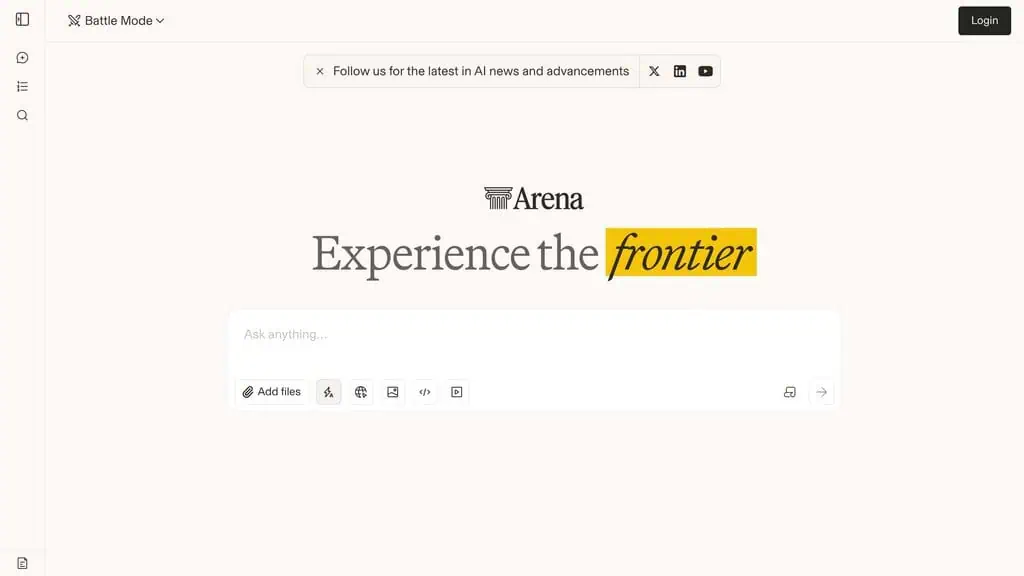
Best for: Comparing top image models head-to-head, free and without signup.
Free tier verified: Jul 14, 2026
Try Arena (formerly LM Arena) →
LM Arena is a research-driven site where you enter one prompt and it generates with two anonymous models side by side so you can vote on which is better. The brilliant side effect is that you get free access to frontier image models, often including ones that are paid elsewhere, just by using the comparison interface. It is one of the best ways to see how different models interpret the same prompt.
It is not built as a production tool, so there is no library, no editing, and you cannot always pick the exact model. But for free access to the newest models and for learning which one suits your style, nothing else does this.
Pricing: Free, no signup required.
2026 update: LM Arena rebranded to Arena in 2026 (arena.ai); the old lmarena.ai address now redirects there. Per Arena’s own terms, commercial use of outputs is restricted to personal or internal business use, not resale.
Best for: Curious creators and researchers who want to test and compare frontier models for free.
Visit Arena (Formerly LM Arena)
17. Perchance: Best no-signup unlimited generator
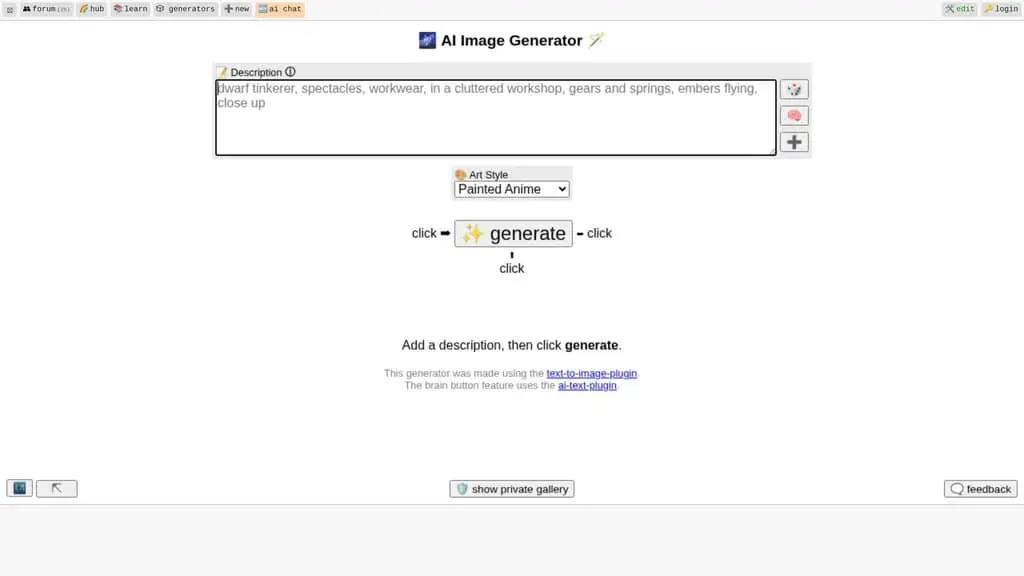
Best for: Truly unlimited generation with zero account and zero cost.
Free tier verified: Jul 14, 2026
Perchance is the answer to “free AI image generator no sign up.” It is genuinely unlimited, requires no account, and costs nothing. You type a prompt, pick a style and aspect ratio, and generate as many images as you want. For sheer volume with no barriers, it is unbeatable.
The trade-off is exactly what you would expect. Quality is fair, the model is older than the frontier tools, and there are ads plus occasional queues at peak times. But when you need 50 quick concepts and refuse to sign up for anything, Perchance delivers.
Pricing: Free and unlimited, ad-supported.
Best for: Anyone who wants unlimited images with no account and accepts lower quality for total freedom.
18. Hugging Face spaces: Best for free open-source models
Best for: Trying the newest open models free, straight in the browser.
Free tier verified: Jul 14, 2026
Hugging Face is the home of open-source AI, and its Spaces are free hosted demos where developers publish working front-ends for the latest models, including Stable Diffusion, Flux, and countless fine-tunes. When a new open image model drops, there is usually a free Space running it within days. You get to try frontier open models without installing anything or paying.
The honest catch is that Spaces are community-run, so you hit queues, occasional downtime, and inconsistent interfaces. It is the opposite of a polished product, but it is the fastest way to try the newest free models the day they appear.
Pricing: Free (paid options exist for private or faster compute).
Best for: Tinkerers and developers who want the newest open-source models for free.
19. Krea AI: Best for fast, real-time Flux generation
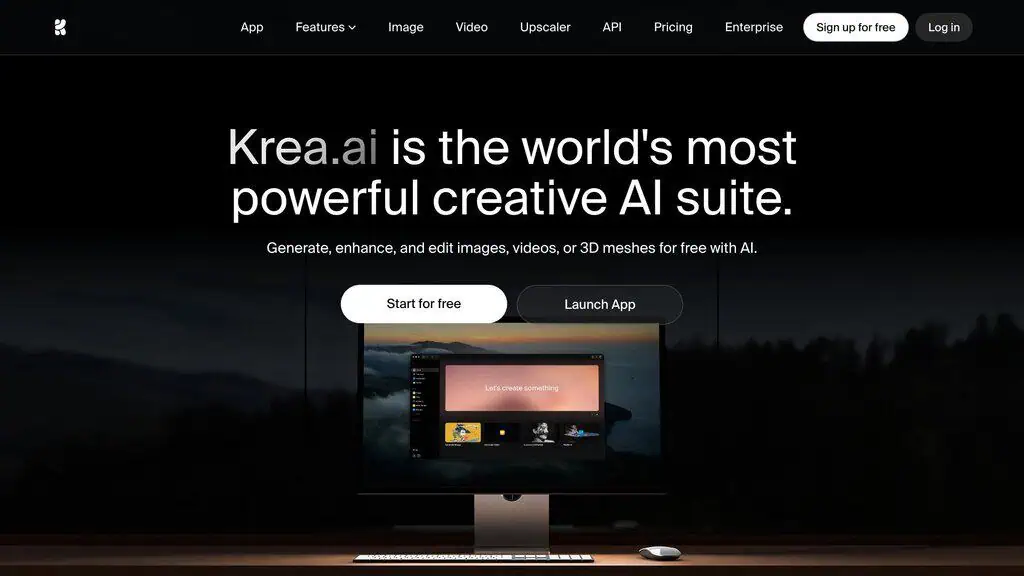
Best for: Designers who want fast, high-quality Flux output with a real-time canvas.
Free tier verified: Jul 14, 2026
Krea built its reputation on speed and a real-time generation canvas where the image updates as you type or sketch. It gives free access to strong models including Flux, plus enhancement, upscaling, and real-time mode that feels closer to drawing than prompting. For high-quality output with a genuinely modern interface, it is one of the best free experiences here.
The free tier gives you a daily allowance (roughly 18 images depending on mode) before nudging you to a paid plan. The honest limitation is that the most powerful features and higher daily volume are paid, and heavy use hits the cap quickly.
Pricing: Free daily allowance. Paid plans start around $10 a month.
2026 update: The ~18/day figure only applies to the legacy Krea 1 model; other models draw from the same shared 100-unit daily pool at very different image counts, and commercial use is not included on the free plan.
Best for: Designers who want fast, high-quality Flux generation and a real-time creative canvas.
20. OpenArt: Best for multi-model access and workflows
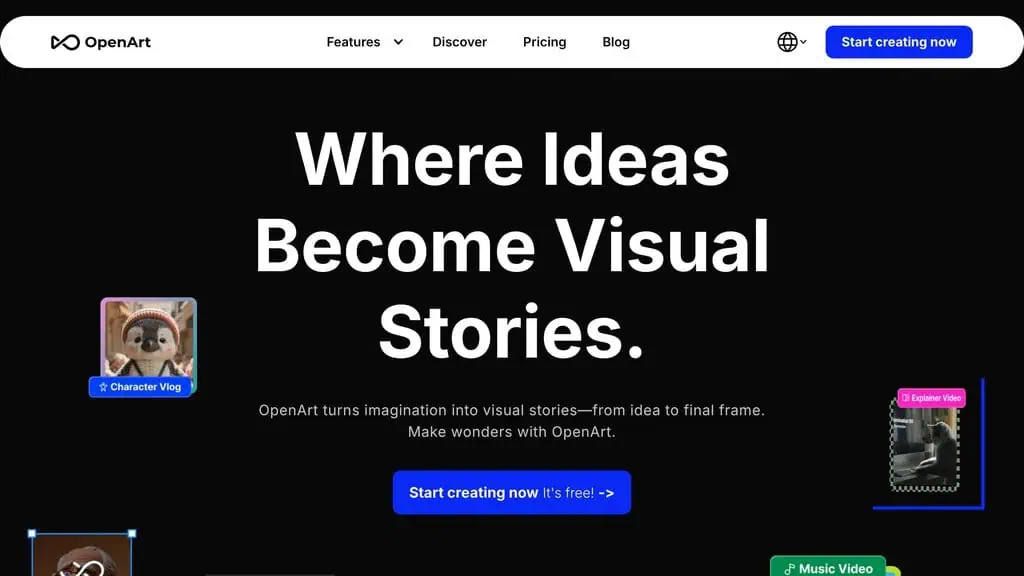
Best for: Creators who want many models plus character consistency and workflows.
Free tier verified: Jul 14, 2026
OpenArt bundles a lot into one free-to-start platform: multiple models (Flux, SDXL, and others), consistent characters, training your own style, sketch-to-image, and prebuilt workflows for things like product shots and headshots. It sits between a one-click tool and a power-user studio, which makes it a strong middle ground.
The free tier runs on daily credits, and the most useful features (model training, bulk generation, commercial use) are tied to paid plans. The interface can feel busy because there is so much packed in, but the range of models and templates is genuinely useful.
Pricing: Free daily credits. Paid plans start around $12 a month billed annually.
2026 update: OpenArt’s current pricing page shows no recurring free allowance, only a one-time signup credit bonus - a meaningful change from an ongoing daily/monthly free tier.
Best for: Intermediate creators who want many models and ready-made workflows in one place.
21. Photosonic (Writesonic): Best for images and copy together
Best for: Content creators who write and illustrate in the same tool.
Free tier verified: Jul 14, 2026
Photosonic is Writesonic’s image generator, and its edge is context: Writesonic is a writing platform, so you can draft a blog post or ad and generate the matching image without switching tools. For bloggers and marketers producing words and visuals together, that single workflow saves real time.
The free tier is limited and shared with Writesonic’s overall credit system, so heavy image use competes with your writing credits. Image quality is good for blog and marketing visuals rather than fine art. If you do not already use Writesonic for copy, a dedicated image tool will serve you better.
Pricing: Limited free credits. Paid plans start around $20 a month.
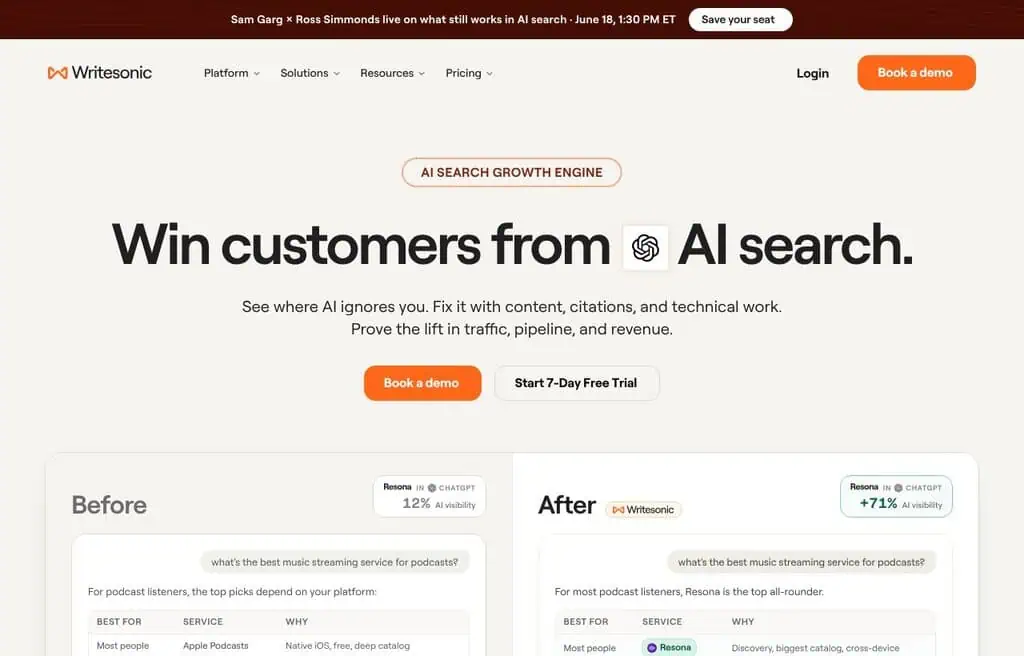
2026 update: Writesonic has repositioned its public site entirely around an AI search-visibility product; Photosonic pricing is no longer listed there. Treat this entry as unverified until confirmed inside the live app.
Best for: Writers and marketers who want copy and images generated in one platform.
22. Runway: Best for Image-to-Video Creators
Best for: Creators who generate an image and then want to animate it.
Free tier verified: Jul 14, 2026
Runway is best known for AI video, but its image generation (Frames and Gen-4 image models) is strong and tightly linked to its video tools. The workflow is the point: generate a still, then bring it to life as a clip in the same platform. For social creators and filmmakers moving toward motion, that pipeline is hard to beat.
The free plan gives you a one-time pool of credits (around 125) that you spend across image and video, so it is more of a generous trial than an ongoing free tier. Once the credits run out, you are on a paid plan. Image quality is excellent, but the credit model means free use is finite.
Pricing: Free starter credits (one-time). Paid plans start around $12 a month.
2026 update: Free-plan output carries a visible Runway watermark, per Runway’s own help center - worth knowing before using free output for client work.
Best for: Creators who want image generation as the first step toward AI video.
23. Craiyon: Best no-signup generator for quick and meme images
Best for: Instant, unlimited, no-account images when quality is not the priority.
Free tier verified: Jul 14, 2026
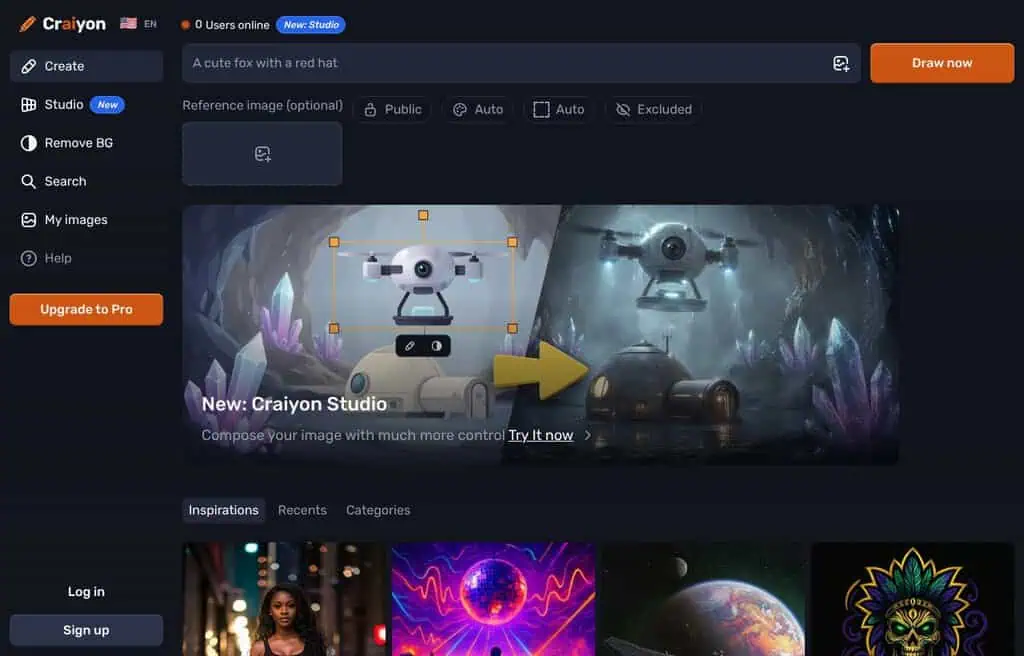
Craiyon (formerly DALL-E mini) is the tool that introduced a lot of people to AI images, and it is still free, unlimited, and requires no signup. You type a prompt and it returns a grid of options in under a minute. It is ad-supported and the quality is modest, which is exactly why it became a meme-image staple.
Do not come here for photorealism. Come here when you want a quick visual idea, a funny mashup, or a fast concept with zero friction. The free version shows ads and watermarks; the paid “Supercharged” tier removes them and speeds things up.
Pricing: Free and unlimited, ad-supported. Paid from around $5 a month.
Correction: Craiyon’s paid tier starts around $10-12/month, not $5/month. Free images are watermarked and usable commercially only with attribution to Craiyon.
Best for: Anyone who wants instant, unlimited, no-signup images and does not need high quality.
24. PixAI: Best for Anime Art and LoRAs
Best for: Anime and manga-style art with deep model and LoRA choice.
Free tier verified: Jul 14, 2026
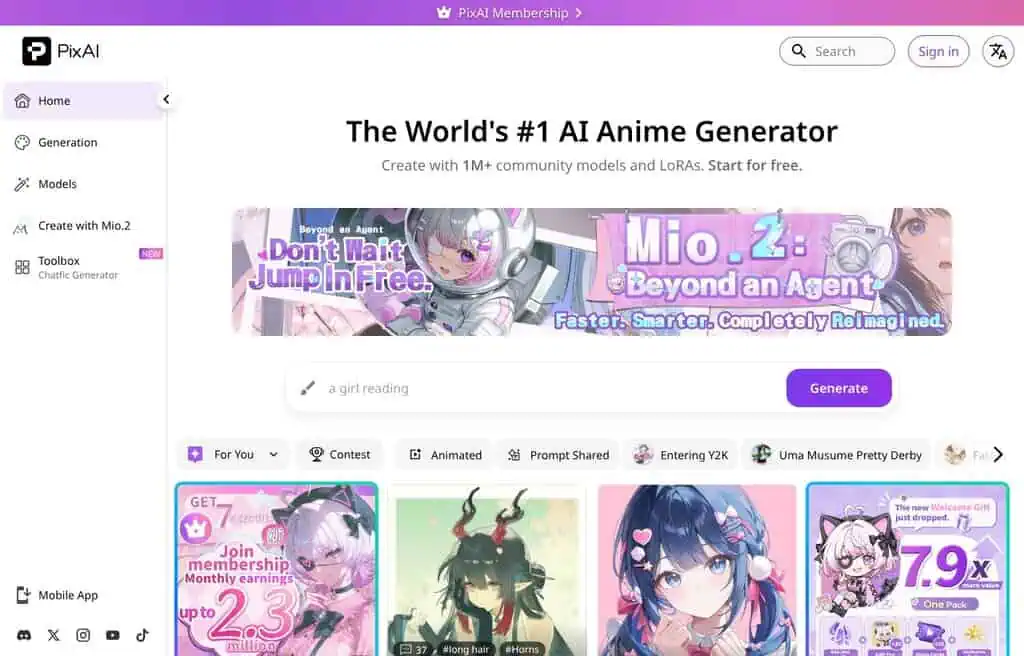
PixAI is an anime-focused generator with a huge community library of models and LoRAs, daily free credits, and tools for character consistency. If your work is anime, manga, or stylized character art, the model selection here is excellent and the free daily credits let you generate a steady stream without paying.
The honest limitations are the anime focus (it is not built for photorealism), credit-based queuing on the free tier, and a community that, like most anime model hubs, leans heavily toward certain content. For its niche, though, it is one of the best free options.
Pricing: Free daily credits. Paid plans start around $10 a month.
Best for: Anime and character artists who want model depth and daily free generations.
25. NightCafe studio: Best for art styles and community
Best for: Hobbyist artists who want variety, styles, and a creative community.
Free tier verified: Jul 14, 2026
NightCafe is one of the longest-running AI art platforms, and it leans into the community angle: daily challenges, a public gallery, and a credit system you can top up just by participating. It offers multiple models and a deep set of artistic styles, which makes it great for exploring looks rather than chasing one perfect render.
The free tier gives you around five credits a day, plus bonus credits for engaging with the community, so active users rarely run dry. The honest catch is that the best models and bulk generation cost credits that deplete quickly, and the interface shows its age next to newer tools.
Pricing: Free daily credits, plus earned credits. Paid plans start around $6 a month.
Best for: Hobbyist artists who enjoy experimenting with styles inside an active community.
26. Grok (xAI): Best for bulk and loosely filtered generation
Best for: X users who want high-volume generation with looser content filters.
Free tier verified: Jul 14, 2026
Grok, xAI’s assistant built into X, generates images with a notably generous free allowance and lighter content filtering than most mainstream tools. That combination, bulk generation plus fewer blocked prompts, is exactly why “alternatives to Grok Imagine” shows up so often in searches. It is fast, it is integrated into X, and the daily limits are friendly.
Quality is good rather than class-leading, and the looser filters cut both ways: more creative freedom, but also more potential for misuse, so use it responsibly. You need an X account, and the most generous limits favor X Premium subscribers.
Pricing: Image generation requires SuperGrok, from $30 a month; a free X account no longer includes free image generation.
2026 update: Grok’s image generation is no longer available on any free tier as of this update - it now requires a paid SuperGrok subscription ($30/month). We are keeping this entry for traffic-ranking accuracy, but if a genuinely free tool is what you need, skip to one of the other 59 tools on this list still offering free image generation.
Best for: X users who want fast, high-volume generation with fewer restrictions.
27. Playground AI: Best for Template-Based Design
Best for: Social graphics and design-forward images from templates.
Free tier verified: Jul 14, 2026
Playground blends image generation with a design-template approach, so it is geared toward making finished graphics (logos, posts, banners) rather than just raw renders. It offers multiple models, filters, and an editor, and the free tier historically allowed a healthy number of images per window.
The free allowance works in rolling batches (around 10 images per few hours), which is fine for casual use but limiting for volume work. Output is good for design and social content, and the editing layer adds real value, though the model quality trails the very top tools.
Pricing: Free with rolling limits. Paid plans start around $12 a month.
2026 update: Free-tier output has no royalty-free license per Playground’s own pricing page - personal use only until you upgrade.
Best for: Creators who want design templates and generation together for social and marketing graphics.
28. Ideogram: Best free AI image generator for text in images
Best for: Logos, posters, and any image where the words must be spelled right.
Free tier verified: Jul 14, 2026
Ideogram built its name on text rendering before the big models caught up, and it is still one of the most reliable free tools for getting words right inside an image. For logos, posters, quote graphics, and mockups with real typography, it remains a go-to, and its “Magic Prompt” feature helps weak prompts along.
The free tier gives you a daily batch of slow-queue generations, which is enough for occasional work but frustrating for volume because the free queue is genuinely slow. Faster generation and higher limits are paid.
Pricing: Free with daily slow generations. Paid plans start around $8 a month.
Correction: the free allowance is 10 slow generations per WEEK, not per day, and the official paid entry point is $15/month, not $8/month.
Best for: Anyone who needs accurate text inside images, like logos and posters, on a free tier.
29. Mage.space: Best for free Stable Diffusion and SDXL
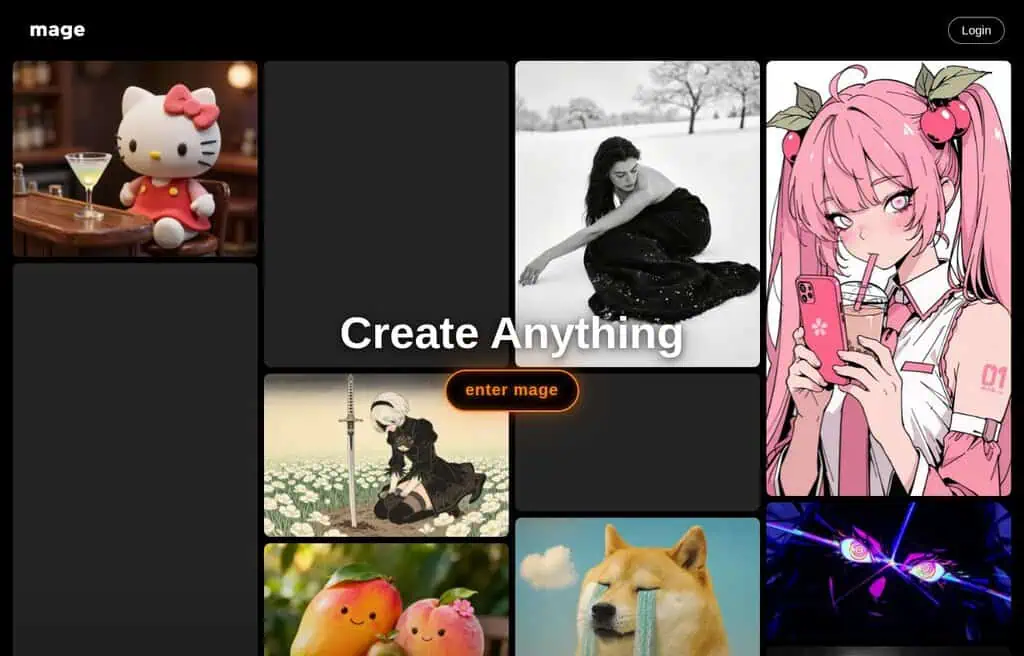
Best for: Free, generous access to Stable Diffusion and SDXL in the browser.
Free tier verified: Jul 14, 2026
Mage.space wraps Stable Diffusion and SDXL in a clean, fast web interface with a generous free tier and minimal friction. You can generate without an account for basic use, pick models, and adjust settings without installing anything. For people who want raw Stable Diffusion power without the local setup, it is one of the easiest on-ramps.
The honest catch is that some models and uncensored options require an account and a subscription, and free generation can be rate-limited at busy times. But for free SDXL access in a browser, it is hard to beat.
Pricing: Free with generous limits. Pro is around $8-15 a month.
Correction: the free $0 tier is explicitly limited access, not generous - unlimited generation requires the $10/month Basic plan. Commercial use is allowed on every tier including free.
Best for: Users who want free, browser-based Stable Diffusion and SDXL without a local install.
30. Simplified: Best for a marketing content suite
Best for: Teams who want AI images alongside copy, video, and scheduling.
Free tier verified: Jul 14, 2026
Simplified is an all-in-one marketing platform (design, AI writing, video, social scheduling) with a text-to-image generator built in. Like Canva and Photosonic, the value is the bundle: generate an image, drop it into a design, write the caption, and schedule the post without leaving the tool. For small marketing teams, that consolidation is the selling point.
The free plan covers light AI generation and design, but the generous limits and team features are paid. Image quality is solid for marketing rather than fine art, and the breadth of the platform can feel like a lot if you only want images.
Pricing: Free tier with limits. Paid plans start around $18 a month.
2026 update: Free generation is unlimited but restricted to one model (Flux Schnell); the other 13+ models are paid-only. Commercial use is explicitly allowed even on the free plan.
Best for: Small marketing teams who want generation inside a broader content suite.
31. Clipdrop: Best for editing tools and cleanup
Best for: Quick AI editing (cleanup, relight, uncrop) plus generation.
Free tier verified: Jul 14, 2026
Clipdrop, from the Stability AI ecosystem, is a suite of sharp single-purpose AI tools: background removal, cleanup, relighting, uncrop, upscaling, and text-to-image. The editing tools are genuinely useful and fast, and they pair well with generation when you need to fix or extend an image rather than start over.
The free tier lets you use the tools with watermarks and resolution limits, and removing those and getting the best features needs a Pro plan. As a pure generator it is good, but its real strength is the editing toolkit around it.
Pricing: Free with watermarks. Pro is around $9 a month.
Correction: Clipdrop Pro is $15/month, not $9/month, per its official pricing page.
Best for: Creators who want fast AI editing and cleanup tools alongside generation.
32. Recraft: Best for vectors, logos, and brand sets
Best for: Designers who need vectors, icons, and on-brand consistency.
Free tier verified: Jul 14, 2026
Recraft stands out because it generates true vector graphics, icons, and consistent brand sets, not just raster images. For logos, illustrations, and design systems that need to scale cleanly, that vector output is a real differentiator. It also offers style controls and brand kits to keep a series of images consistent.
The free tier gives you a daily credit allowance (around 50 credits a day) that covers steady design work, with commercial use and the best features on paid plans. The honest limitation is that its sweet spot is design and vectors; for photorealistic scenes, other tools do better.
Pricing: Free daily credits. Paid plans start around $12 a month.
Correction: the free allowance is 30 credits/day, not ~50. Free-tier images are not licensed for commercial use.
Best for: Designers who need scalable vectors, icons, and brand-consistent image sets.
33. Hotpot AI: Best for quick edits and headshots
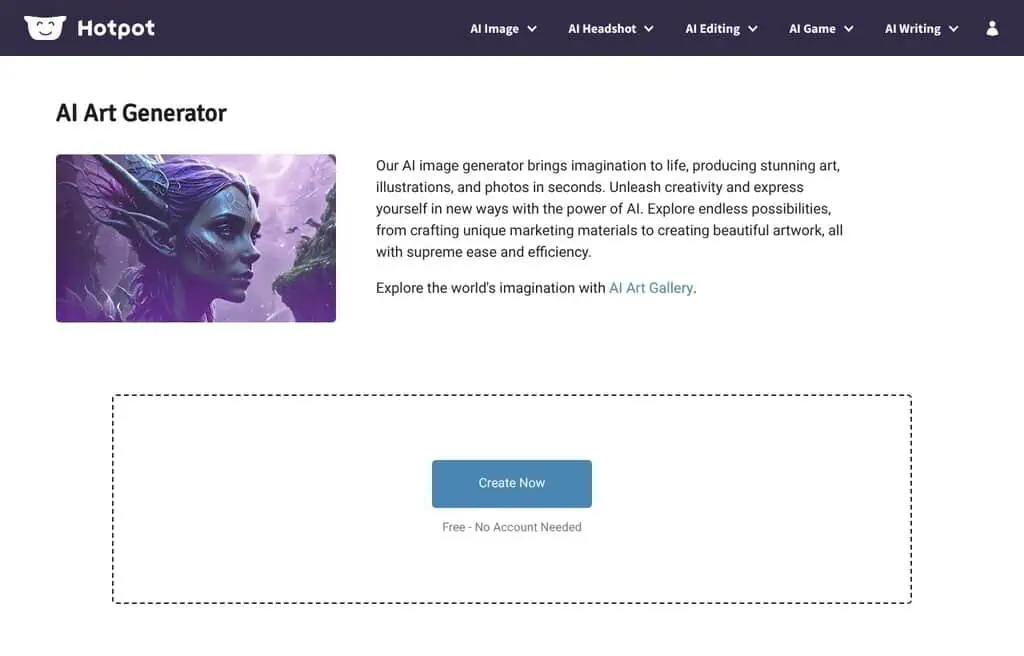
Best for: Fast, practical image tasks like headshots, edits, and graphics.
Free tier verified: Jul 14, 2026
Hotpot AI is a practical toolbox: text-to-image generation plus AI headshots, background removal, restoration, and a library of templates for device mockups and social graphics. It is aimed at getting a usable result fast rather than at artistic exploration, which makes it handy for small business tasks.
The free tier lets you try most tools with limits and some watermarking, and higher resolution plus commercial use are pay-as-you-go or subscription. Quality is good for practical work, and the pay-per-use pricing is friendlier than a subscription for occasional needs.
Pricing: Free with limits; pay-as-you-go and subscriptions available.
Best for: Small businesses needing quick, practical image tasks without a subscription.
34. Microsoft designer (Bing image creator): Best truly unlimited free generation
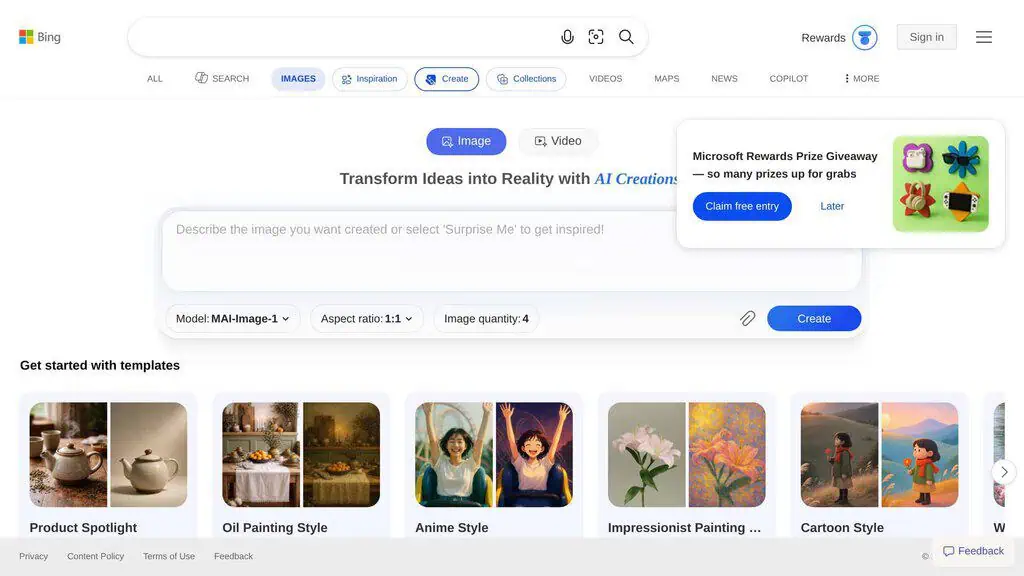
Best for: Anyone who wants effectively unlimited free generation from a strong model.
Free tier verified: Jul 14, 2026
Microsoft Designer (which absorbed Bing Image Creator) runs OpenAI’s image models and is one of the closest things to truly unlimited free generation. You get daily “boosts” that speed up generation, and when they run out you can keep generating at a slower pace rather than hitting a hard wall. For free volume from a quality model, it is one of the best deals here.
The honest downsides are Microsoft’s strict content filters, which block a surprising range of prompts, and the slower generation once your daily boosts are spent. You also need a Microsoft account. But for free, high-quality, high-volume images, it is a top pick.
Pricing: Free with daily boosts and slower unlimited generation.
2026 update: Microsoft deprecated the old unlimited “boosts” system. Free accounts with no Microsoft 365 subscription are now capped at 15 AI credits a month; Microsoft 365 Personal or Family subscribers get 60 credits a month shared across Designer, Create, Paint, and Photos. This is no longer a truly unlimited free tool.
Best for: Anyone who wants the most free volume from a strong, well-known model.
Visit Microsoft Designer (Bing Image Creator)
35. Getimg.ai: No longer free (paid plans only)
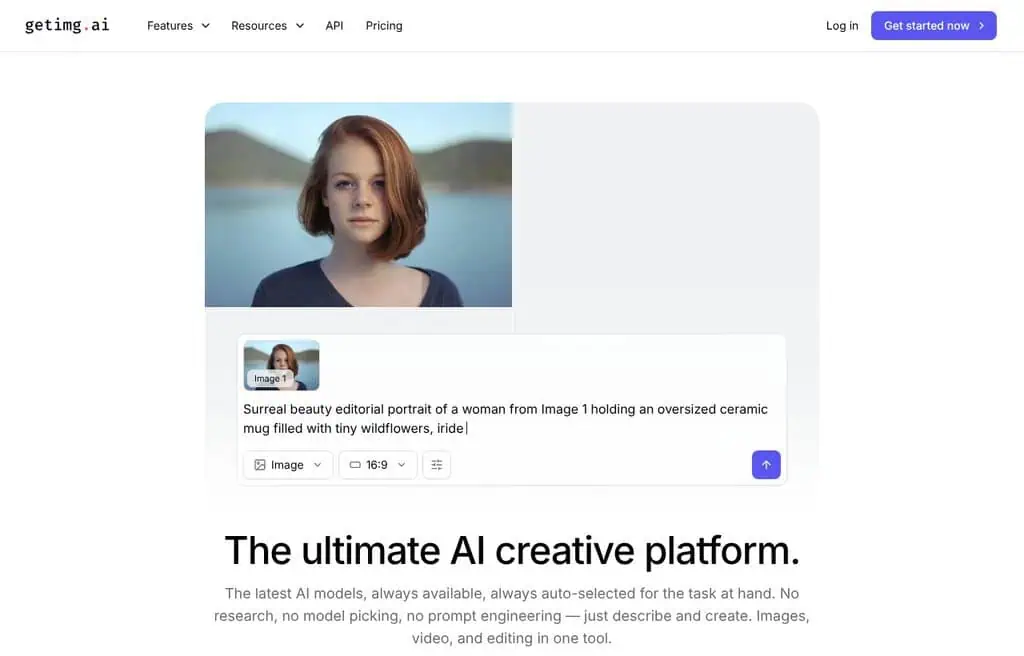
Best for: Paid users who want image, video, and audio models in one subscription. Not for free users - there is no free tier here anymore.
Pricing verified: Jul 31, 2026 - no free plan and no free trial
Getimg.ai used to be a Stable Diffusion-focused generator with a small free tier, which is why it earned a place on this list. That is no longer what it is.
It now bundles 40+ models for image and video generation, editing, music, AI voice, sound effects, and upscaling, and it picks a model for each task by default instead of making you choose. Custom model training has been dropped, and the API is now a separate pay-as-you-go product rather than something included with a subscription.
I am keeping it in this roundup for one reason: people still search for a getimg.ai free plan. There is not one.
No free plan, no free trial, no free credits on signup. Every feature sits behind a paid subscription, so if free is a hard requirement, this entry is a dead end and you should use one of the tools ranked above it instead.
Pricing: No free tier. Entry is $8/month billed yearly or $10/month billed monthly (3,000 credits), then Core at $30/month, Plus at $65/month, and Ultra at $175/month. Credits do not roll over. API usage is billed separately, pay as you go.
Update, July 31, 2026: Getimg.ai’s team confirmed to me that the free plan has been discontinued, and I re-checked their pricing page to verify it. The earlier ~100 free images a month and the Stable Diffusion / model-training positioning in this entry are both out of date, so I have rewritten it rather than leaving stale claims up.
Best for: Paid users who want one subscription covering image, video, audio, and upscaling. Skip it if you are here for free generation.
36. Jasper art: Best for brand-consistent marketing images
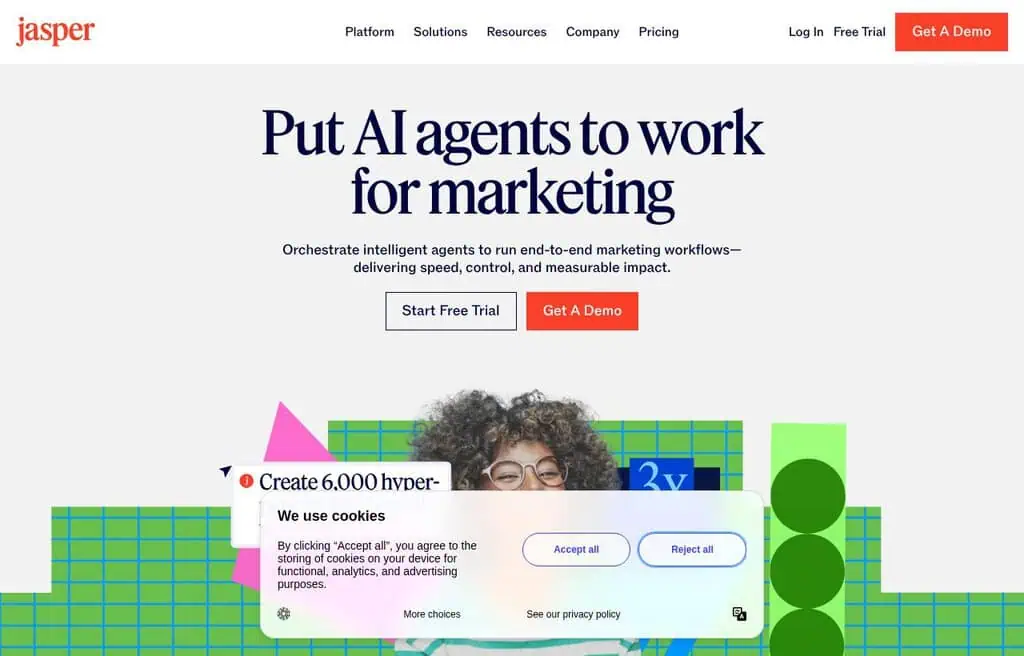
Best for: Marketing teams already in the Jasper ecosystem.
Free tier verified: Jul 14, 2026
Jasper Art is the image side of Jasper, the marketing-focused AI writing platform. Its value is brand consistency and the tie-in with Jasper’s copy tools, so teams can produce on-brand visuals and text together. For organizations that already pay for Jasper, the image generation is a natural add-on.
The honest reality is that Jasper is a paid platform; image generation comes with a trial rather than an ongoing free tier, and standalone it is hard to justify against the genuinely free tools on this list. Include it only if you are already a Jasper user.
Pricing: Trial only; bundled with Jasper plans (from around $39 a month).
2026 update: Jasper’s pricing structure has changed since this entry was written; multiple current sources put the Pro plan around $59-69/month rather than $39/month. Confirm the live number before relying on it.
Best for: Existing Jasper customers who want on-brand images alongside their copy.
37. Civitai: Best for community models and LoRAs
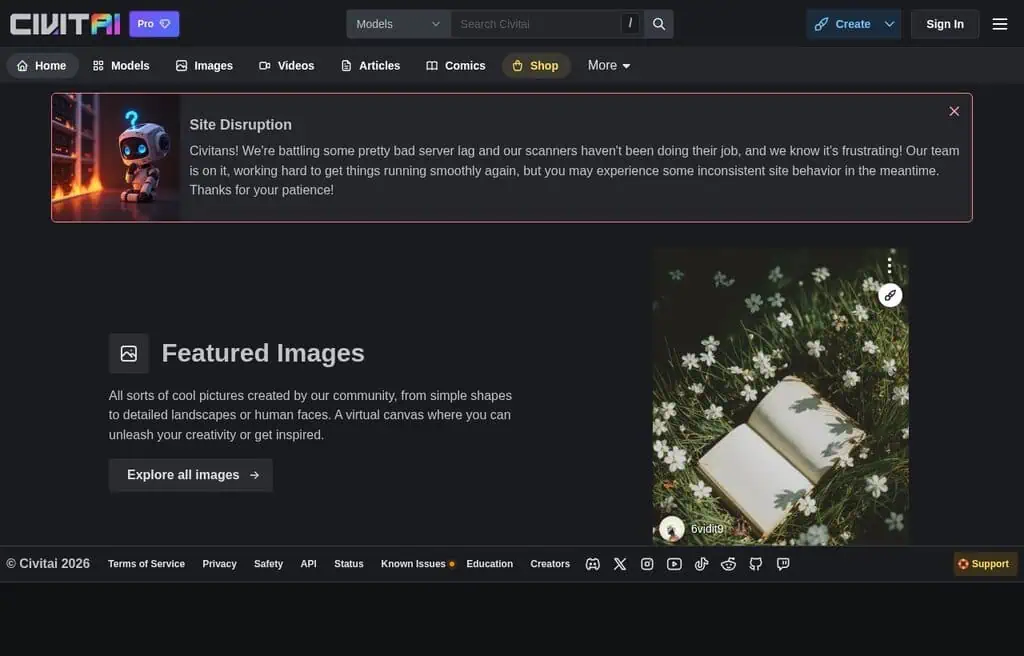
Best for: Power users who want the largest library of community models and LoRAs.
Free tier verified: Jul 14, 2026
Civitai is the largest hub for community-trained Stable Diffusion and Flux models, LoRAs, and embeddings, and it added an on-site generator that runs those models with daily free “Buzz” credits. If you want to try a specific community style or character model without setting up a local environment, this is where the models live.
The free Buzz allowance covers light generation, and you earn more by engaging with the community. The honest caveats: the platform hosts a lot of adult and anime content, and navigating thousands of models takes patience. For model variety, though, nothing is bigger.
Pricing: Free daily Buzz credits; memberships from around $5 a month.
Correction: new members now start at the $10/month Bronze tier - the old $5 Supporter tier is legacy/grandfathered only and isn’t offered to new sign-ups.
Best for: Power users who want access to the biggest library of community models.
38. Tensor. Art: Best free Stable Diffusion and Flux runner
Best for: Running SD, SDXL, and Flux models free with generous daily credits.
Free tier verified: Jul 14, 2026
Tensor. Art is a close cousin of Civitai: a model hub plus an online generator that runs Stable Diffusion, SDXL, and Flux with a generous daily credit allowance. It supports ControlNet, LoRAs, and model training, which puts real power in the browser for free, and the daily credits are friendlier than many rivals.
The interface is dense, the best speeds and features are paid, and (as with most open-model hubs) content moderation is looser than mainstream tools. But for free access to a wide range of models with daily credits, it is excellent.
Pricing: Free daily credits. Paid plans available for more volume.
Best for: Creators who want to run many SD and Flux models free in the browser.
39. Phot. AI: Best for product photos and edits
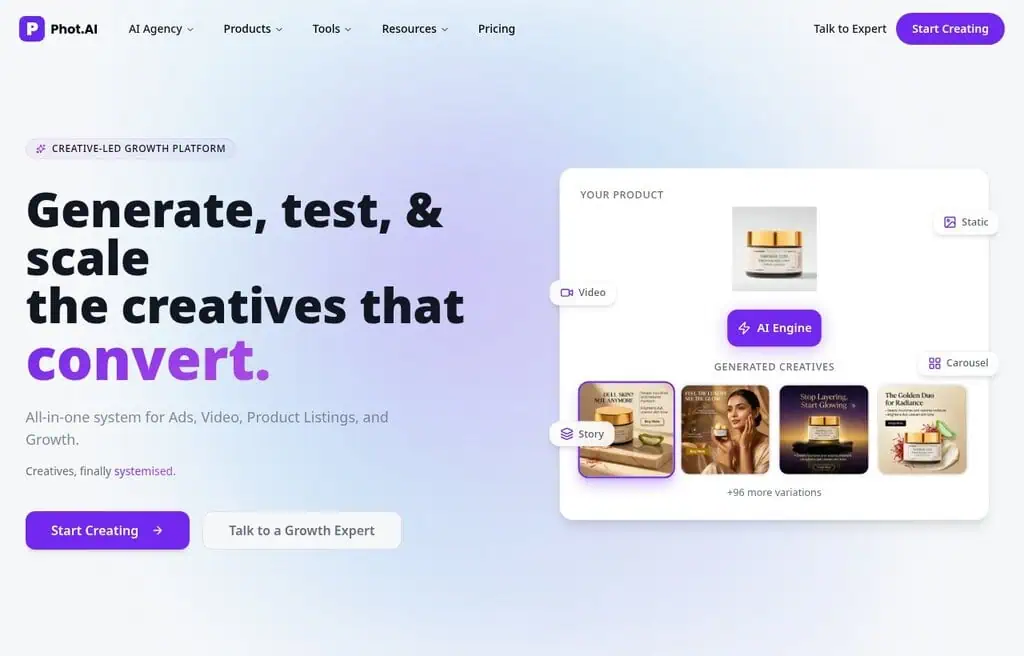
Best for: E-commerce sellers who need product shots and quick edits.
Free tier verified: Jul 14, 2026
Phot. AI focuses on commercial image tasks: AI product photography, background generation, object removal, expansion, and enhancement, plus standard text-to-image. For a small e-commerce seller who needs clean product images and quick edits without a studio, it covers the practical bases in one place.
The free tier offers limited credits across its tools, with watermark-free, higher-resolution output and bulk processing on paid plans. Its strength is product and commercial editing rather than artistic generation.
Pricing: Free limited credits. Paid plans start around $9 a month.
2026 update: Phot.AI has repositioned as an e-commerce/ad-creative platform; its Starter plan is now $40.83/month, far above the $9/month previously listed here, and free/trial output carries a watermark.
Best for: E-commerce sellers and marketers who need product images and practical edits.
40. DeeVid: Best for video-first creators who also need images
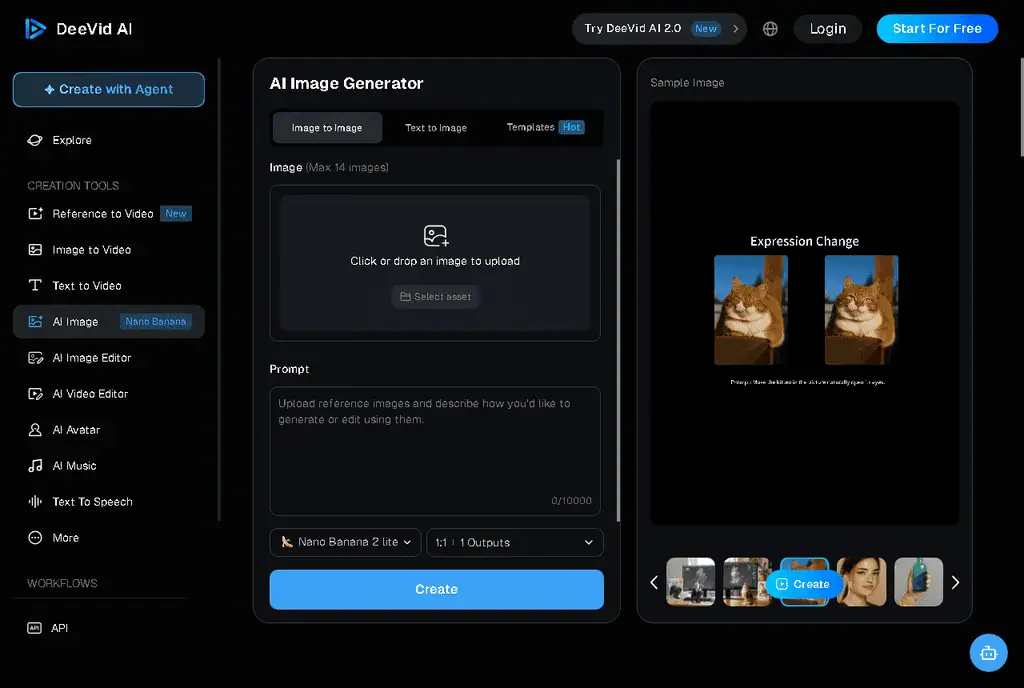
Best for: Creators already making AI video in DeeVid who want matching stills fast.
Free tier verified: Jul 23, 2026
Like Runway higher up this list, DeeVid is a video-first platform where the image generator is the on-ramp: describe a scene or drop in a reference image, generate a still, then animate it in the same editor. The image side runs modern models (Seedream 4.0 and Nano Banana, which is Gemini 2.5 Flash Image) and batches up to 14 images at once, so for storyboards, thumbnails, and quick concept frames it moves fast.
Two honest caveats. The free tier is a trial rather than an ongoing allowance: you get a one-time pool of credits shared across image and video, and free output is watermarked, so it sits closer to Runway’s generous trial than a truly free image tool. DeeVid is also a newer brand with mixed third-party trust reviews, so I would treat it as a workflow convenience if you already live in its video editor rather than as a standalone free generator to build a pipeline on.
Pricing: Free trial credits (watermarked). Paid plans are credit-based, roughly $19 to $35 a month depending on the tier.
Best for: Turning one prompt into a still and then a clip without leaving a single video-first tool.
41. VanceAI: Best for upscaling and enhancement
Best for: Cleaning up, upscaling, and enhancing images more than generating from scratch.
Free tier verified: Jul 14, 2026
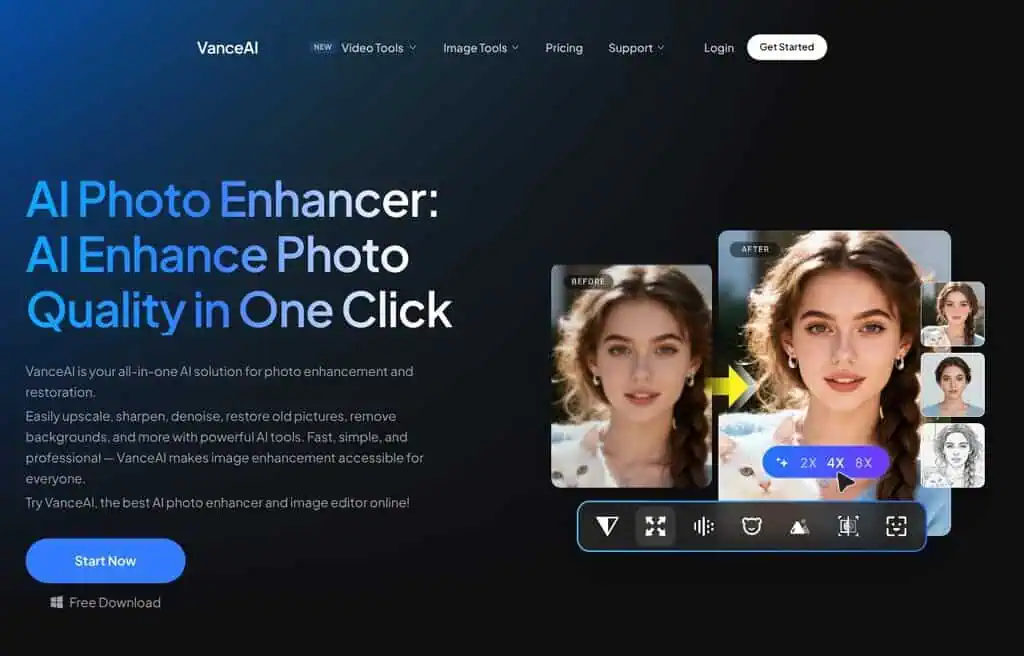
VanceAI is primarily an image-enhancement platform (upscaling, denoising, sharpening, restoration, background removal) with text-to-image added on. Its real value is taking an existing or AI-generated image and making it print-ready: 8x upscaling, face restoration, and detail recovery are genuinely strong.
The free tier gives you a small monthly credit allowance with watermarks, and serious use needs credits or a subscription. As a generator it is average; as an enhancer to pair with the other tools on this list, it is excellent.
Pricing: Free limited credits. Paid plans start around $9.90 a month.
Correction: the free allowance is a modest 3 credits per month, and free-tier output is watermarked (watermark removal is a paid perk).
Best for: Anyone who needs to upscale and enhance images for print or high-resolution use.
42. StarryAI: Best for AI Art on Mobile
Best for: Hobbyists who want to make AI art on their phone.
Free tier verified: Jul 14, 2026
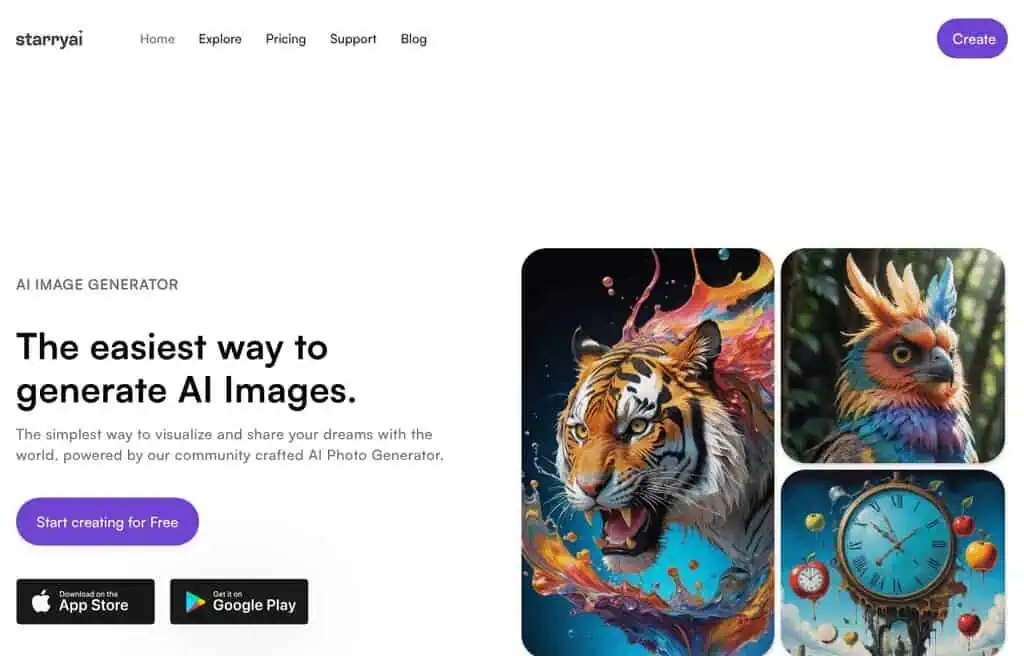
StarryAI is a polished mobile-first art generator (iOS and Android) that gives you full ownership of the images you create, which not every free tool does. It offers multiple art styles and models, and the free tier hands you around five credits a day to generate without paying. For casual creators who want to make art on the go, it is one of the smoothest mobile experiences.
The honest limitation is the daily credit cap and the upsell to a subscription for faster, higher-resolution, and watermark-free output. Quality is good for stylized art rather than photorealism.
Pricing: Free with ~5 daily credits. Paid plans from around $7 a month.
Correction: StarryAI’s current starting paid price is closer to $12-15/month than $7/month.
Best for: Mobile hobbyists who want to generate and own AI art on their phone.
43. Deep dream generator: Best for surreal artistic styles
Best for: Dreamlike, painterly, and surreal art rather than realism.
Free tier verified: Jul 14, 2026
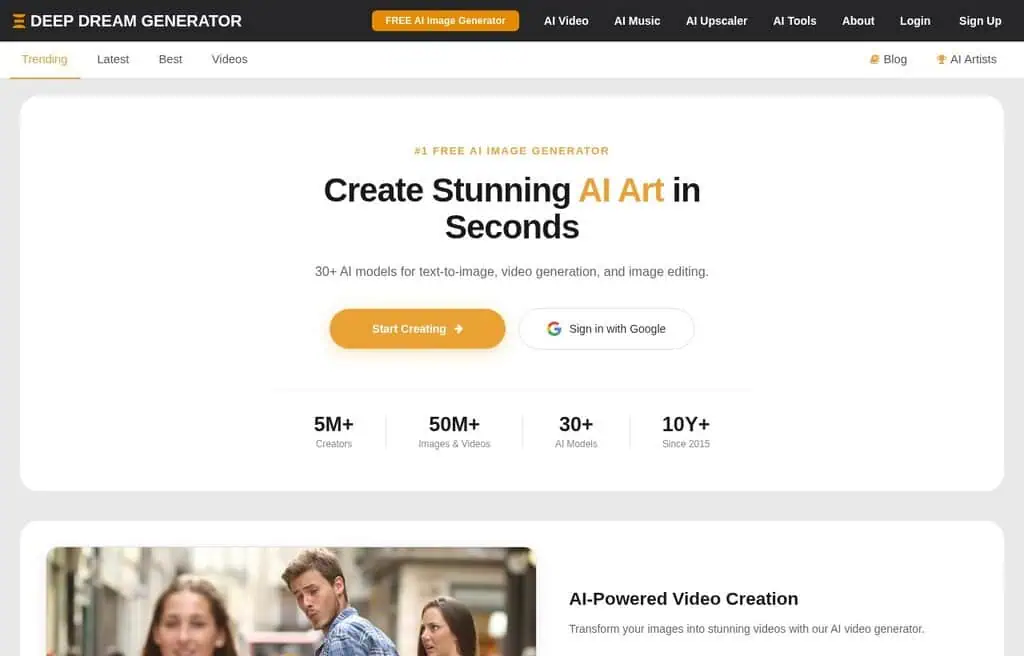
Deep Dream Generator is one of the originals, famous for the trippy, surreal “deep dream” look before modern diffusion arrived. It now offers text-to-image and style-transfer with a community gallery, and it remains the go-to when you specifically want abstract, painterly, or psychedelic output rather than clean realism.
The free tier gives you a limited number of generations and energy that recharges over time, with more on paid plans. It is a niche tool now, but for a distinctive artistic aesthetic it still has a place.
Pricing: Free with limited energy. Paid plans from around $19 a month.
Correction: no signup is required for free use (Deep Dream Generator’s own homepage confirms this), the paid entry price is $9/month rather than $19, and commercial rights apply only to images made while on a paid subscription or using purchased energy - not to pure free-tier output.
Best for: Artists who want surreal, painterly styles over photorealism.
44. Artbreeder: Best for blending and character design
Best for: Designing characters and faces by blending and tweaking traits.
Free tier verified: Jul 14, 2026
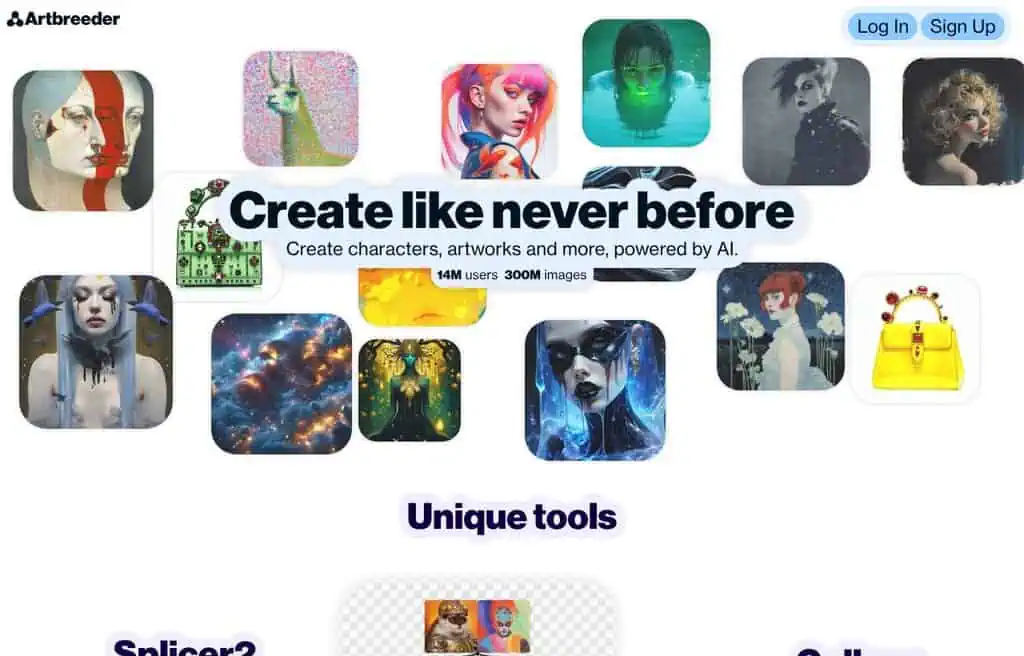
Artbreeder takes a different approach: instead of pure prompting, you blend existing images and adjust “genes” (traits like age, expression, or art style) with sliders. Its Collager and character tools make it uniquely good for designing faces, characters, and portraits iteratively. For worldbuilders, writers, and game designers creating consistent characters, it is a genuinely different and useful tool.
The free tier limits high-resolution downloads and some features, and the slider-based approach is less suited to literal prompt-driven scenes. But for character design, nothing else works quite like it.
Pricing: Free with limits. Paid plans from around $8.99 a month.
Best for: Writers and game designers blending and iterating on characters and portraits.
45. Lexica: Best for prompt search and SDXL
Best for: Finding prompts that work, then generating from them.
Free tier verified: Jul 14, 2026
Lexica started as a searchable gallery of Stable Diffusion images and their prompts, and that prompt-search remains its superpower: you can find an image you like, see the exact prompt, and adapt it. It also has its own generator (the Aperture model) for clean, photographic output. For learning what prompts produce what, it is one of the best teaching tools here.
The free tier is limited, and heavy generation needs a paid plan. Use it primarily as a prompt-research tool that happens to generate, rather than as your main high-volume generator.
Pricing: No free plan; paid plans from around $8 a month.
Correction: Lexica has eliminated its free plan entirely - its own account page states generation requires a paid subscription. The $8/month starting price is still accurate.
Best for: Anyone learning prompt craft who wants to search proven prompts and generate from them.
46. Monica: Best all-in-one AI assistant with image generation
Best for: People who want chat, writing, and image generation in one assistant.
Free tier verified: Jul 14, 2026
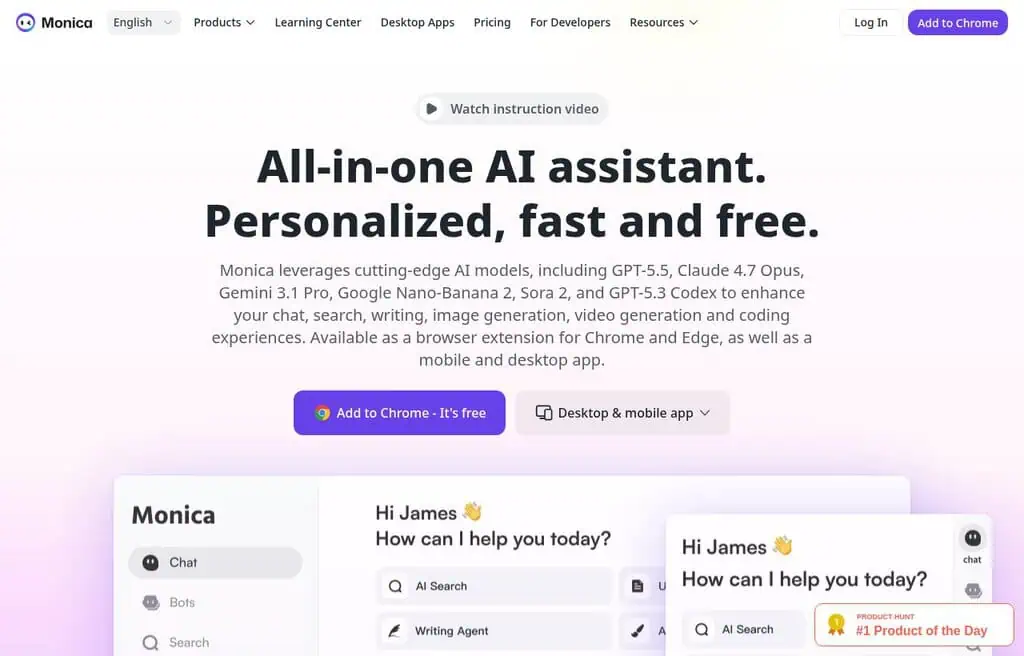
Monica is an all-in-one AI assistant (browser extension and app) that bundles chat, writing, and image generation, often giving you access to multiple underlying models in one place. The appeal is convenience: generate an image in the same assistant you already use for writing and research, without opening a dedicated tool.
The free tier runs on daily credits shared across all features, so image generation competes with your chat and writing use. It is a generalist, so a dedicated image tool will outperform it on pure generation, but for light, convenient use it is handy.
Pricing: Free daily credits. Paid plans from around $8.30 a month.
Best for: Generalists who want occasional image generation inside an everyday AI assistant.
47. Dream by WOMBO: Best for One-Tap Mobile Art
Best for: The fastest path from a phrase to shareable art on your phone.
Free tier verified: Jul 14, 2026
Dream by WOMBO is a mobile-first app that turns a short prompt and a chosen art style into finished art in seconds. It is designed for speed and simplicity rather than control, which makes it perfect for casual creators who want a quick, stylish image without thinking about settings.
The free tier covers basic generation; higher resolution, faster speeds, and the full style library need WOMBO Premium. Quality is good for stylized social art, not for detailed or photorealistic work.
Pricing: Free with limits. Premium around $9.99 a month.
Correction: free exports carry a watermark (removing it requires a paid plan), and the real monthly Standard price is $19.99 - the lower ~$9.99 figure only applies if billed annually.
Best for: Casual mobile users who want instant, stylish art with one tap.
48. Shakker AI: Best for ControlNet and reference control
Best for: Creators who need precise control via references and ControlNet.
Free tier verified: Jul 14, 2026
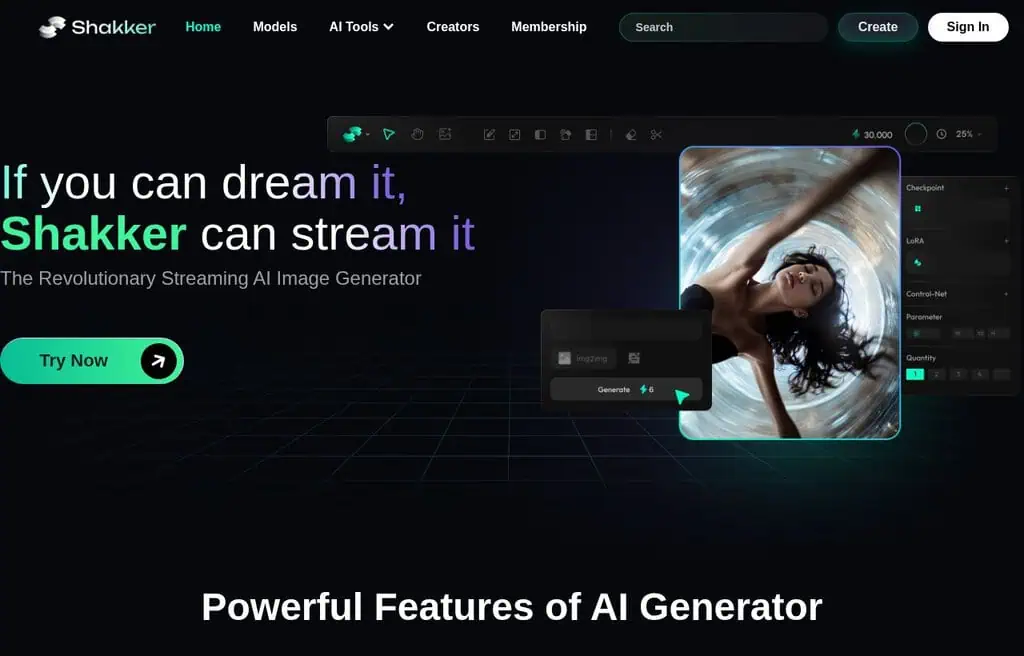
Shakker AI focuses on controllable generation: ControlNet, image references, pose and composition control, plus a community model library. If your problem is “I need the output to match this pose, layout, or reference,” Shakker gives you more steering than most one-click tools, in the browser and for free to start.
The free tier runs on daily credits, with the best models and faster queues on paid plans. The control features have a learning curve, and the platform is younger than Civitai or SeaArt, but for reference-guided work it is strong.
Pricing: Free daily credits. Paid plans from around $7 a month.
Correction: Shakker’s starting paid price is closer to $10-12/month than $7/month.
Best for: Creators who need reference and composition control without a local ControlNet setup.
49. Dezgo: Best for uncensored Stable Diffusion models
Best for: No-signup access to a range of Stable Diffusion models.
Free tier verified: Jul 14, 2026
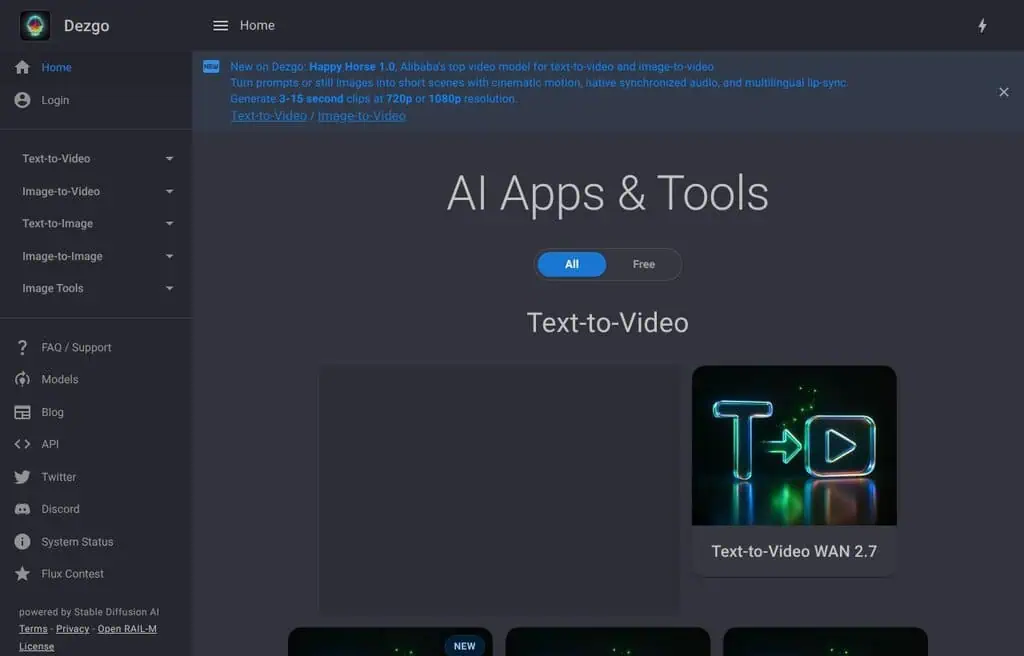
Dezgo is a straightforward, no-signup front-end for Stable Diffusion that offers multiple models and fewer content restrictions than mainstream tools. It is fast, simple, and free for basic use, which makes it a practical option when you want SD output without an account or heavy filtering.
The free version is rate-limited and supported by ads and upsells, with faster, unrestricted generation on paid credits. Quality depends on the model you pick, and the interface is bare-bones. Use it responsibly given the looser filtering.
Pricing: Free with limits; paid credits available.
Best for: Users who want quick, no-signup Stable Diffusion generation with model choice.
50. Aitubo: Best for game and anime assets
Best for: Game developers and anime creators who need asset-style output.
Free tier verified: Jul 14, 2026
Aitubo targets game art and anime: sprites, icons, characters, and concept assets, with model choice, ControlNet, and consistent-style features. For indie game developers and anime creators who need usable assets rather than one-off art, the focus pays off.
The free tier provides daily credits, with more volume and commercial terms on paid plans. It is niche, the interface is functional rather than slick, and photorealism is not its goal, but for game and anime assets it is a useful free option.
Pricing: Free daily credits. Paid plans available.
Best for: Indie game and anime creators who need style-consistent assets.
51. Imagine.art: Best All-Round Free Text-to-Image
Best for: A simple, capable general-purpose generator with editing extras.
Free tier verified: Jul 14, 2026
Imagine.art is a clean general-purpose generator with multiple models, plus editing tools like inpainting, background removal, and upscaling, and even image-to-video. It does a bit of everything competently, which makes it a reasonable single stop for general image needs.
The free tier offers limited generations with watermarks, and removing them plus higher volume needs a subscription. It does not lead any single category, but as an all-rounder it is solid and easy to use.
Pricing: Free with limits. Paid plans from around $9 a month.
Best for: Anyone who wants a simple, capable all-round generator with built-in editing.
52. Pebblely: Best for product photography

Best for: E-commerce sellers who need professional product backgrounds.
Free tier verified: Jul 14, 2026
Pebblely is laser-focused on product photography: upload a product photo, and it places it in professional, realistic scenes and backgrounds for your store or ads. For small e-commerce sellers without a photo studio, the results can look genuinely professional, and the niche focus means it does this one job very well.
The free tier gives you around 40 images to start, then moves to paid plans. It is not a general generator, so if you need anything beyond product shots, look elsewhere, but for product imagery it punches above its weight.
Pricing: No free tier; paid plans from around $9 a month for 30 images.
Correction: Pebblely has dropped its free tier entirely - all plans are paid, starting at $9/month for 30 images.
Best for: Online sellers who need studio-style product photos without a studio.
53. Stockimg AI: Best for logos, posters, and stock
Best for: Quick logos, posters, book covers, and stock-style graphics.
Free tier verified: Jul 14, 2026
Stockimg AI specializes in commercial graphic formats: logos, posters, book covers, wallpapers, and stock photos, with templates that shape the output toward finished, usable designs. For someone who needs a fast logo concept or poster rather than open-ended art, the templates do a lot of the work.
The free tier is limited, with more generations and commercial use on paid plans. Quality is good for concept-level branding and graphics, though serious logo work still benefits from a designer’s hand afterward.
Pricing: Limited free. Paid plans from around $19 a month.
2026 update: Stockimg’s current pricing page shows no distinct free plan tile; a vague free-account mention exists in the FAQ but with no confirmed image count or commercial rights.
Best for: Founders and marketers who want fast logo, poster, and stock-style concepts.
54. Scenario: Best for game art and custom models
Best for: Game studios that need style-consistent, trainable art pipelines.
Free tier verified: Jul 14, 2026
Scenario is built for game development: you train custom models on your own art style and generate consistent assets (characters, props, environments, skins) that match your game’s look. For studios that need volume at a consistent style, the trainable-model approach is exactly right, and it goes far beyond what generic tools offer.
The free tier lets you test generation and limited training, with serious training and volume on paid plans. It is overkill for casual users and has a real learning curve, but for game art pipelines it is purpose-built.
Pricing: Free to start. Paid plans from around $12 a month.
Correction: Scenario’s official Starter price is $15/month, and free-tier output is explicitly for personal and evaluation use only, not commercial work.
Best for: Game studios that need trainable, style-consistent asset generation.
55. Bria AI: Best for licensed, commercial-safe generation
Best for: Businesses and developers who need fully licensed, indemnified images.
Free tier verified: Jul 14, 2026
Bria AI is built around responsible, commercial-safe generation: its models are trained entirely on licensed data, and it offers source attribution and an API for businesses that cannot risk copyright exposure. Like Adobe Firefly, the value is legal safety, but Bria leans even harder into licensing and developer integration.
It is more of a platform and API than a casual generator, the free tier is oriented toward developer testing, and serious use is paid. For enterprises that need clean licensing, that focus is exactly the point.
Pricing: Free developer tier; paid API and plans.
Correction: the free allowance is a one-time 100-generation trial, not an ongoing monthly allotment, and pricing beyond that is metered pay-per-call rather than a flat monthly plan.
Best for: Businesses and developers who need fully licensed, commercial-safe images via API.
56. DreamStudio: Best official Stable Diffusion front-end
Best for: Using official Stable Diffusion models with clean controls.
Free tier verified: Jul 14, 2026
Try Stability AI Platform (formerly DreamStudio) →
DreamStudio is Stability AI’s own web interface for Stable Diffusion, giving you the official models with clean controls over dimensions, steps, prompt strength, and seeds. It is a reliable, no-nonsense way to use SD without local setup, straight from the people who make the model.
It uses a credit system: you get free starter credits, then buy more. So it is less “endlessly free” than the open web front-ends, but the official source, stability, and clean controls make it worth knowing. Heavy users will spend credits quickly.
Pricing: DreamStudio itself is retired; the successor Stability AI Platform gives 25 free credits at signup (roughly 3-8 images), then pay-as-you-go.
2026 update: DreamStudio as a standalone consumer product has been retired - dreamstudio.stability.ai now redirects to the unified Stability AI Platform login, which runs on pay-as-you-go credits rather than a branded free-starter experience.
Best for: Users who want official Stable Diffusion with clean controls and reliable uptime.
57. DiffusionArt: Best No-Signup Multi-Model Access
Best for: Free, unlimited, no-signup access to many models.
Free tier verified: Jul 14, 2026
DiffusionArt offers free, unlimited image generation across many Stable Diffusion models with no signup and no watermark, which is a rare combination. You pick a model, type a prompt, and generate without an account. For experimenting across models with zero friction, it is genuinely useful.
The trade-offs are real: generation can be slow, there are ads, and quality varies a lot by model. It is a tinkerer’s tool rather than a production studio, but the “unlimited, no signup, no watermark” promise is exactly what some people search for.
Pricing: Free and unlimited, ad-supported.
Correction: DiffusionArt’s free plan explicitly advertises no ads or watermarks and includes a commercial license - the opposite of “ad-supported” as previously described here.
Best for: Experimenters who want free, no-signup access to many models without watermarks.
58. Pollinations: Best free API for developers
Best for: Developers who want a genuinely free image API.
Free tier verified: Jul 14, 2026
Pollinations is an open, free image (and text) generation service with a dead-simple API: you can generate an image just by hitting a URL with your prompt in it, no key required for basic use. For developers prototyping an app, a bot, or a side project, a free, no-auth image API is rare and genuinely useful.
It is built for developers, so the website experience is minimal, reliability varies with load, and you should not lean on it for mission-critical production. But for free programmatic generation, it is one of the few real options.
Pricing: Free and open.
2026 update: Material change: Pollinations is no longer a no-signup, fully free/unlimited API. It now requires an API key and runs on an earn-or-buy “Pollen” credit system.
Best for: Developers and makers who need a free image-generation API for projects.
59. CGDream: Best for custom style filters without prompting skills
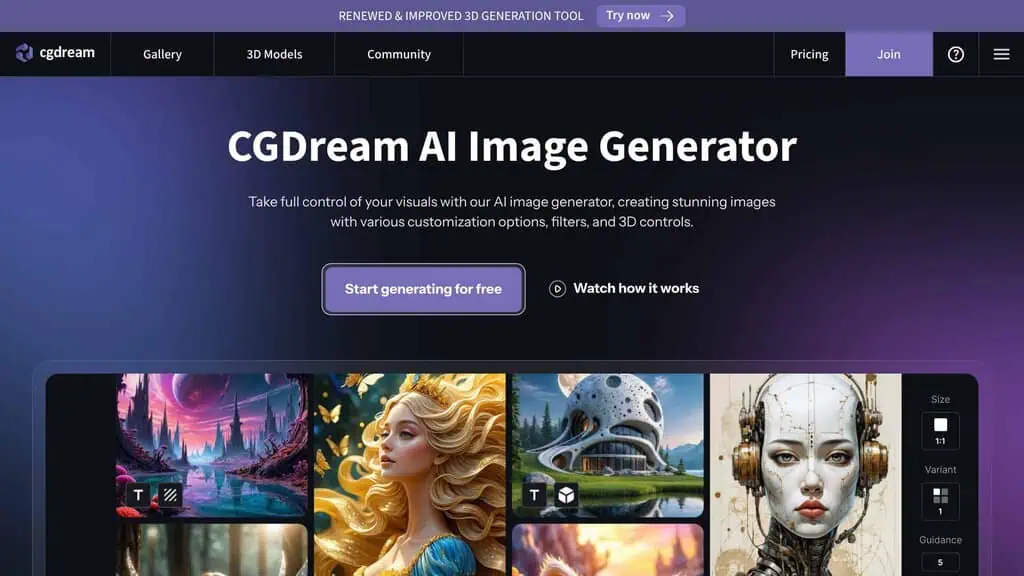
Best for: Beginners who want good results from style presets, not prompt craft.
Free tier verified: Jul 14, 2026
CGDream leans on a deep set of style filters and LoRA-based presets so you can get a specific look without writing a perfect prompt. It also supports 3D and reference-guided generation, and the free tier is unusually generous at around 3,000 credits a month, which is a lot of images for casual use.
The honest limitations are a smaller community than the big hubs and quality that depends heavily on the preset you pick. But for beginners who want strong results from filters rather than prompt engineering, the generous free credits make it worth a look.
Pricing: Free with ~3,000 monthly credits. Paid plans available.
2026 update: Commercial use is explicitly Premium-only on CGDream - the free 100 credits/day is for non-commercial use.
Best for: Beginners who want style presets and generous free credits over manual prompting.
60. Raphael AI: Best free Flux with no signup
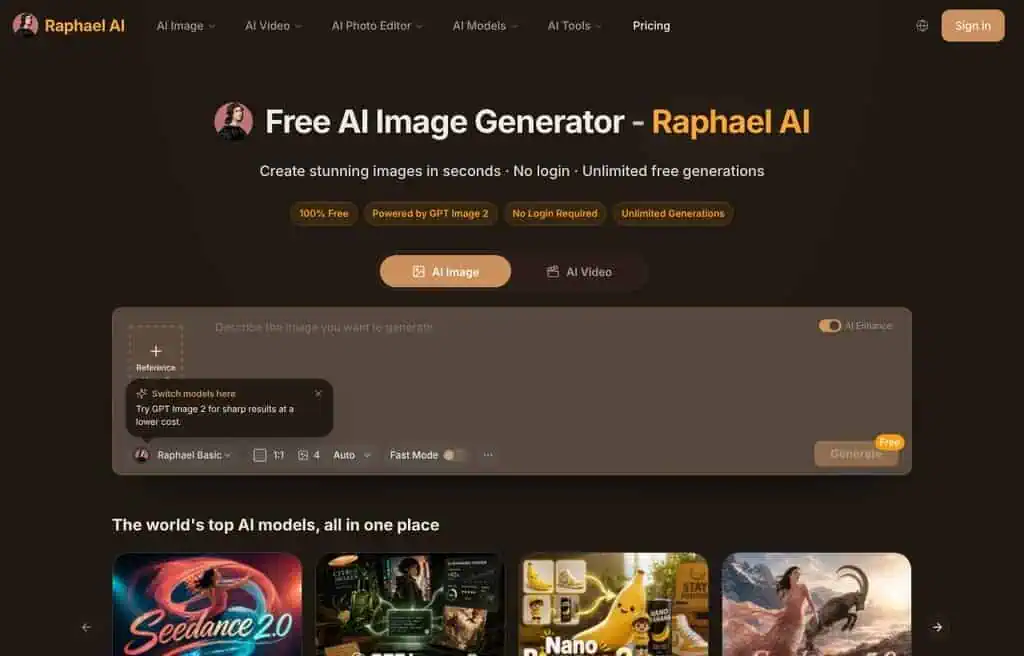
Best for: Free, unlimited Flux-quality generation with no account.
Free tier verified: Jul 14, 2026
Raphael AI markets itself as a free, unlimited text-to-image tool powered by the Flux model, with no signup and no cost. When it works, you get genuinely good Flux output for free, which is a strong pitch given Flux usually sits behind credits elsewhere.
Being free and unlimited, it leans on ads, can be slow at peak times, and offers little control beyond the prompt and basic settings. Treat it as a quick way to tap Flux quality for free rather than a full studio.
Pricing: Free and unlimited, ad-supported.
Correction: free images carry a watermark and are for personal, non-commercial use only; “unlimited” applies solely to the slow-queue basic model, not Fast Mode or premium models.
Best for: Anyone who wants free, no-signup access to Flux-quality images.
61. Flux: Best for photorealistic texture and detail
Best for: Photorealistic skin, texture, and fine detail.
Free tier verified: Jul 14, 2026
Try Flux (Black Forest Labs model) →
Flux, from Black Forest Labs, is one of the most important image models of this era, especially for photorealism: skin texture, lighting, and fine detail are where it shines. I have ranked it last not because it is weak, but because of how it reaches you. Flux’s own portal sees little direct traffic; almost everyone uses Flux through other platforms on this list, like Krea, OpenArt, Freepik, Mage.space, and Raphael, which is exactly why those rank higher.
So the practical advice is simple: you do not “go to Flux,” you choose a tool that runs Flux for free. Krea and OpenArt are my top picks for free Flux access, with Raphael as a no-signup option. The honest catch is that the best Flux variants (Flux Pro) are often paid even on those platforms, while the free Flux models still look excellent.
Pricing: Free via host platforms (Krea, OpenArt, Raphael, and others); Pro variants often paid.
2026 update: Only FLUX.1 [schnell] is truly free and open for commercial use (Apache 2.0); FLUX.1 [dev] is free to download but non-commercial only, and Black Forest Labs’ own direct commercial licensing is paid-only.
Best for: Anyone chasing photorealism, accessed free through a Flux-powered platform.
Is there a genuinely unlimited free AI image generator?
The most asked question on this topic, and the answer has one honest yes in it.
Unlimited and free, with no account: Perchance and Pollinations generate without a login and without a hard cap. The output is not state of the art and the queue slows at peak times, which is the trade you are making. For volume over polish, they are the only real answer.
Unlimited if you own the hardware: Stable Diffusion run locally is free forever with no cap of any kind, because the cost is your GPU and your electricity. This is the genuine unlimited option and it asks for a setup evening.
Everything else has a cap, whatever the marketing says. A generation costs the provider real GPU seconds, so a hosted free tier is always rationed: by images per day, by credits, by resolution, by queue priority, or by watermark. When a hosted tool claims unlimited, look for which of those five is doing the limiting, because one of them is.
Can you use free AI images commercially?
Sometimes, and the answer depends on the tool rather than on the law.
Generally safe on the free tier: Adobe Firefly, which is trained on licensed and public-domain material and carries Adobe’s indemnification, is the one most legal teams accept. Canva’s free output is licensed for commercial use within Canva’s terms.
Check before you ship: most free tiers grant personal use only and put commercial rights behind the paid plan. That includes several tools on this list whose images look unrestricted.
The separate question nobody asks: in the US, purely AI-generated images are not copyrightable, so you can use them commercially and you cannot stop a competitor using the same image. For a logo or anything that needs to be defensible, that matters more than the licence does.
Treat this as orientation rather than legal advice, and read the terms of the specific tool before anything commercial.
How do you write prompts that actually work?
Free tools reward specific prompts more than paid ones do, because you get fewer attempts.
- Lead with the subject, not the style. “A ceramic coffee cup on a windowsill” then the styling. Models weight early tokens more heavily.
- Name the shot, not the mood. “Close-up, 50mm, shallow depth of field” beats “beautiful” and “stunning”, which most models now effectively ignore.
- Say the lighting. Soft window light, golden hour, harsh flash. It is the single biggest lever on whether output reads as photographic or as AI.
- Put what you do not want in the negative prompt, where the tool has one, rather than writing “no text” in the main prompt, which often adds text.
- Change one thing at a time. Rewriting the whole prompt after a bad result teaches you nothing about which word caused it.
For text inside an image, use Ideogram or a recent Gemini model and write the exact words in quotes. Most other free models still garble text, and no amount of prompting fixes a model that cannot spell.
How to choose the right free AI image generator
With 61 options, the right pick comes down to three quick questions. You do not need to test all of them, you need to match the tool to your job.
What do you need the images for?
For the highest quality and accurate text, start with Google Gemini or ChatGPT. For finished social and marketing graphics, use Canva or Microsoft Designer.
For photorealism, choose a Flux-powered tool like Krea or OpenArt. For anime and character art, go to SeaArt, PixAI, or Civitai.
For commercial-safe images, use Adobe Firefly or Bria. For product photos, try Pebblely or Phot. AI.
How many images do you need?
If you need volume, prioritize the generous free tiers: Microsoft Designer, Meta AI, Perchance, DiffusionArt, and a locally run Stable Diffusion are effectively unlimited. If you only need a few high-quality images, the daily caps on Gemini, Leonardo, or Krea are fine.
Do you need text in your images?
If your image needs readable words (logos, posters, quote graphics), use Gemini (Nano Banana Pro) or Ideogram. These two render text far more reliably than the rest, which still garble anything longer than a few words.
Best free AI image generators for print on demand
Print on demand has a special requirement: high resolution and commercial usage rights. Most free tiers cap resolution, so this is where a little planning pays off.
For print-ready designs, Google Gemini (Nano Banana Pro) is the standout because it generates natively at 2,048 pixels with excellent text, which matters for t-shirt and poster slogans. Adobe Firefly and Bria AI are the safest on licensing, which protects you when you sell. For upscaling a good design to print resolution, run it through VanceAI or Recraft (whose vector output scales infinitely without quality loss). The honest rule for POD: generate on a quality tool, confirm the commercial terms of the free tier you used, and upscale before you upload to your print partner.
Best free AI image generators for bloggers
Bloggers need a steady stream of decent featured images and in-post graphics, fast, without a budget. The best fit is a tool that produces usable images and lives near your workflow. Canva Magic Media is the top pick because you generate and design the final graphic in one place. Microsoft Designer and Meta AI give you the volume to never run dry. Freepik and Fotor add stock-style polish plus editing.
And if you write with an AI tool already, Photosonic or Monica keep words and images together. For most bloggers, the winning combo is one quality generator (Gemini) plus one design tool (Canva), both free.
Free AI image generator, no sign up: Tools that work instantly
If you refuse to create another account, these generate images with no signup at all: Perchance (unlimited), Craiyon (unlimited, meme-friendly), DiffusionArt (unlimited, multi-model, no watermark), LM Arena (frontier models via comparison), Dezgo (Stable Diffusion models), Pollinations (free API), and Raphael AI (free Flux). DeepAI and Mage.space also let you start without an account for basic use. The trade-off is consistent: no-signup tools lean on ads, lower resolution, or slower queues. But when you need a quick image and zero commitment, they deliver.
Best free AI photo generators (photorealistic results)
Looking for AI that generates realistic photos , portraits, product shots, headshots, or lifestyle images , rather than stylized art? These tools from the 60 above are best for photorealistic output on a free tier.
- Google Gemini (Nano Banana Pro) , The top free photo-realistic generator right now. Nano Banana Pro handles faces, lighting, and textures with minimal artifacts. Free with a Google account.
- ChatGPT (GPT Image) , Excellent photorealism and the best at following complex prompts accurately. Best for product mockups and realistic scenes. Free tier is limited; best on Plus.
- Freepik AI , Specifically tuned for stock-photo-style images. Great for blog headers, social media, and product contexts. 20 free daily generations, personal use only.
- Hotpot AI , Specializes in headshots and portrait photos. Generates professional-looking headshots free, though quality peaks on the paid plan.
- Phot.AI , Built specifically for product photography. White-background product shots and lifestyle placements. Good free tier for e-commerce.
- Adobe Firefly , Best for photos that need to look commercially safe with accurate skin tones and real-world settings. Free tier now gives daily-refreshing generations (capped at 2K resolution) rather than a flat 25 monthly credits.
- Flux (Black Forest Labs) , The best open-source model for photorealistic texture and detail. Available free through Hugging Face Spaces and Tensor.Art.
Quick tip for photorealism: Add photo-specific language to your prompts: “DSLR photo,” “35mm lens,” “natural lighting,” “ultra-realistic,” “8K resolution.” These terms steer most models toward photographic rather than illustrative output.
Best Free Text-to-Image AI Tools
All 61 tools on this list are text-to-image generators at their core. But some are significantly better than others at following detailed text prompts accurately. These are the best for precise prompt adherence on the free tier.
- Ideogram , The best at following complex multi-element prompts and the only free generator that reliably renders text inside images.
- ChatGPT (GPT Image) , The strongest prompt comprehension of any free generator. Understands complex, multi-part descriptions better than any competitor.
- Google Flow (formerly ImageFX) , Excellent prompt following with Nano Banana Pro behind it. Free with a Google account; Google folded ImageFX into Flow in 2026 and no longer publishes a fixed daily cap.
- Microsoft Designer (Bing Image Creator) , Strong prompt following via DALL-E. Free accounts are now capped at 15 AI credits a month (Microsoft deprecated the old unlimited boosts system), so plan volume accordingly.
- Leonardo AI , Advanced prompt weighting, negative prompts, and creative control. Best for power users who want fine text-to-image precision.
- Raphael AI , Free Flux model, no signup required to start. Fast Mode is capped at 10 credits a day and free images carry a watermark; the slow-queue basic model is the truly unlimited option.
- Stable Diffusion , The most powerful free option for prompt engineering with CFG scale, negative prompts, and sampling methods.
Best Free AI Image-to-Image Generators
Image-to-image (img2img) is different from text-to-image: you upload an existing photo and the AI transforms, edits, or reimagines it. Use cases include changing a photo’s style, editing out objects, swapping backgrounds, or transforming a sketch into a finished illustration.
- Canva Magic Media , Best for quick style transfers and edits on existing images. Drag in your photo, apply AI edits. Free tier is generous.
- Picsart AI , Best mobile image-to-image tool. Upload a photo and apply AI styles, backgrounds, or face edits.
- Meta AI (Imagine) , Upload your own photos and ask Meta AI to remove objects, add elements, or alter backgrounds. Free with a Meta account.
- Clipdrop , Best for specific editing tasks: background removal, object cleanup, upscaling. Free, no account required for basic use.
- Krea AI , Real-time img2img with Flux. Draw or upload a rough image and watch it transform live as you adjust. Very fast and free.
- OpenArt , Supports face swap, style transfer, and img2img workflows across multiple models. Good free tier.
- Stable Diffusion (img2img mode) , The most powerful free img2img option. Control denoising strength to decide how much the AI reimagines your original image.
- Runway (Gen-3) , Best for image-to-video (animate a still photo into a moving clip). Also supports image-to-image style editing.
How img2img works: You set a “denoising strength” (0-1). At 0.3, the output stays close to your original. At 0.9, the AI largely reimagines the image from scratch while keeping the rough composition. Most beginners start around 0.5-0.7.
Best free AI image generators for business use
General image generators struggle the moment you need your actual product rather than a plausible one, which is why apparel sellers usually end up on a fashion-specific platform instead. Our Fashion Diffusion AI review covers what that trade looks like, including verified pricing and where the credit maths falls short.
Using AI-generated images commercially , for ads, websites, products, or client work , requires checking two things: commercial licensing and watermark-free output. These tools are safe for business use on the free tier.
| Tool | Commercial use (free) | Watermarks | Best for |
|---|---|---|---|
| Adobe Firefly | Yes , trained on licensed content | No | Safest option; content credentials built in |
| Bria AI | Yes , fully licensed dataset | No | Commercial generation with clean provenance |
| Microsoft Designer | Yes | No | High-volume free commercial images |
| Google Flow (formerly ImageFX) | Unclear , not reconfirmed since the ImageFX-to-Flow migration | No | Quick commercial-ready images |
| Freepik AI | No , free tier is personal use only, attribution required | No | Stock-style images (personal use) |
| Recraft | No , free-tier images are not licensed for commercial use | No | Logos, brand kits, scalable vector images (paid for commercial use) |
| Canva Magic Media | Yes (Canva free plan) | No | Social media, marketing materials |
Warning: Avoid using Meta AI Imagine, Craiyon, or Stable Diffusion for commercial client work without checking the terms , licensing varies and watermarks or attribution requirements may apply. When in doubt, Adobe Firefly and Bria AI are the safest choices, both built on fully licensed datasets.
What about Midjourney, DALL-E, and paid generators?
Plenty of people land here searching for free alternatives to the paid heavyweights, so here is the honest comparison. Midjourney still leads on pure artistic quality but has no free tier, starting around $10 a month. DALL-E is no longer a separate product; it lives inside ChatGPT and Microsoft Designer, both of which have free access, so you already have it. Flux Pro, Leonardo, and Krea offer paid tiers for higher volume and quality, but their free tiers are good enough for most people.
The real takeaway: the gap between free and paid has narrowed dramatically. A year ago, paid tools were clearly better.
Today, Gemini’s Nano Banana Pro matches or beats most paid output for free, and free Flux access through Krea or OpenArt gets you most of the way to Midjourney’s quality. Pay only when you hit a genuine wall on volume, resolution, or commercial licensing. To keep finding tools worth their price, browse our tested AI tools and deals, where every pick gets an honest buy, wait, or skip.
Prefer a lifetime deal over a free-tier cap?
Every tool above made this list because it is free. If you would rather pay once and skip the daily-generation limits, these three AI image tools currently have lifetime deals we have reviewed separately:
- Imagiyo AI , AI image generator, lifetime subscription
- Airbrush AI , AI image generator, lifetime deal
- ImageColorizer , AI photo colorizer/restoration, lifetime deal
Image generation is just one category. For the complete toolkit, see our guide to the 108 best free AI tools, ranked by real monthly traffic and tested hands-on.
Once you have an AI image, turn it into motion. Our guide to the 60 best free AI video generators ranks the best free tools for text-to-video, avatars, and image-to-video.
Frequently Asked Questions
What is the best completely free AI image generator with no limits?
For genuinely unlimited free generation, Microsoft Designer, Perchance, and DiffusionArt are the strongest, and a locally run Stable Diffusion is unlimited and private. If you want the best quality and can work within a daily cap, Google Gemini is the best overall free AI image generator in 2026.
Which free AI image generator produces the most realistic photos?
Flux-powered tools (via Krea, OpenArt, or Raphael) and Google Gemini’s Nano Banana Pro produce the most photorealistic results on a free tier. Flux is especially strong on skin texture and lighting, while Gemini leads on overall coherence and accurate text.
Can I use free AI-generated images for commercial purposes?
Sometimes, but check each tool’s terms, because they differ. Adobe Firefly and Bria AI are trained on licensed data and are the safest for commercial use. Many free tiers allow commercial use only on paid plans or with attribution, so confirm the specific tool’s license before you sell or publish.
Which free AI image generator is best for text in images?
Google Gemini (Nano Banana Pro) and Ideogram are the best for rendering readable text in images, which matters for logos, posters, and quote graphics. Most other models still struggle with anything longer than a few words.
Do free AI image generators add watermarks?
Some do, some do not. Perchance, DiffusionArt, Gemini, ChatGPT, and Microsoft Designer give you watermark-free images on the free tier. Tools like Picsart, Pixlr, Clipdrop, and Hotpot may watermark free output and remove it on paid plans. If a no-watermark free image is the goal, start with the first group.
Is there a free AI image generator that works without sign-up?
Yes. Perchance, Craiyon, DiffusionArt, LM Arena, Dezgo, Pollinations, and Raphael AI all generate images with no account required. DeepAI and Mage.space also work without signup for basic use.
How can I use AI to create images for free?
Pick a free tool from this list that matches your need, open it in your browser, enter a text prompt describing what you want, and click the Generate Image button. Every tool here can generate an image from a plain text prompt in seconds, just like the free on-site AI generators and checkers we host.
Start with Google Gemini or ChatGPT for quality, or Perchance if you want no signup. Refine the prompt and regenerate until the image matches what you pictured.
What is the best free AI image generator for print on demand?
For print on demand, Google Gemini (Nano Banana Pro) is best for high-resolution designs with accurate text, while Adobe Firefly and Bria AI are safest on commercial licensing. Upscale your final design with VanceAI or use Recraft for vectors so it stays sharp at print sizes.
What is the best free AI image generator for beginners?
ChatGPT and Google Gemini are the easiest starting points because you describe what you want in plain language and refine by chatting. Canva Magic Media is best if you also want to turn the image into a finished graphic, then schedule it with one of our AI social media scheduling tools. None require any prompt-engineering skill to get good results.
The bottom line: Best free AI image generators in 2026
The honest summary after hands-on testing 30-plus of these directly and verifying current specs on the rest: you no longer need to pay for great AI images. Google Gemini is the best overall free generator on quality and text. ChatGPT and Canva win on ease and workflow. Microsoft Designer, Meta AI, and Perchance win on free volume. Krea and OpenArt give you free Flux for photorealism. And open-source Stable Diffusion, run locally, is the unlimited, private power option.
Here is the one insight that took me 2,000 test images to learn: the best free AI image generator is not a single tool, it is a small stack. Pick one quality generator (Gemini), one design finisher (Canva or Microsoft Designer), and one specialist for your niche (Flux via Krea for realism, Ideogram for text, Pebblely for products). That free stack covers almost everything a solo creator or small business needs, with zero monthly cost.
Your first step today: open Google Gemini, generate one image you actually need this week, and see how far a free tool has come. Then bookmark this guide, because free tiers change monthly, and I update this list as they do.
Want the best free AI tools across every category, updated weekly? Subscribe to the ZPlatform newsletter for new free tiers, limited-time deals, and honest verdicts, or browse the full best AI tools hub.
Related Posts

The 30 best AI SEO tools in 2026, tested with real money: what each costs, which ones track AI visibility and AI Mode, a...
30 AI writing tools tested across free, freemium and paid tiers, every link checked, plus which AI beats ChatGPT for wri...

Which AI Chrome extension should you install? 132 ranked on real Web Store install, rating and review data, with a pick ...

What Firefox AI actually does, how to enable or disable it, and every one of the 95 AI Firefox add-ons ranked on real da...

30 social media scheduling tools tested for small business: real pricing, every tool link checked September 2026, and th...

The AI tools for developers I used to build a full-stack app: v0, Cursor, Codex, Snyk and Kuberns. Where each helped, an...