

Verdict: Buy
What Infatica charges per GB, and for which pool
| Field | Detail |
|---|---|
| Tool | Infatica.io, a Singapore-based company |
| Category | Peer-to-peer proxy network: residential, IPv6, static ISP, mobile and datacenter proxies. 40 million residential IPs across 195 countries, sourced from users who consented to share their connection while their device is idle. ISO 27001 certified |
| Best use case | SERP monitoring and web scraping that needs to look like real users in specific cities and countries, plus ad verification and price monitoring |
| Price | Free trial, no credit card. Residential $4/GB pay-as-you-go, down to $2.60/GB at 1 TB. IPv6 residential from $6/GB. Static ISP from $1.95 per IP per month. Mobile from $8/GB. Shared datacenter from $0.60/GB, down to $0.30/GB at 2 TB. Dedicated datacenter $1 to $1.50 per IP per month. Annual billing saves 20%. Prices as of June 2026. |
| Verdict | Buy the residential tier if blocks are killing your scraping, buy datacenter proxies somewhere cheaper |
Who runs Infatica, and where its 40 million IPs come from
Infatica is a global peer-to-peer proxy network based in Singapore. The company positions itself as an enterprise web data provider offering proxies and scraping APIs for businesses that need reliable access to geo-restricted or rate-limited web data.
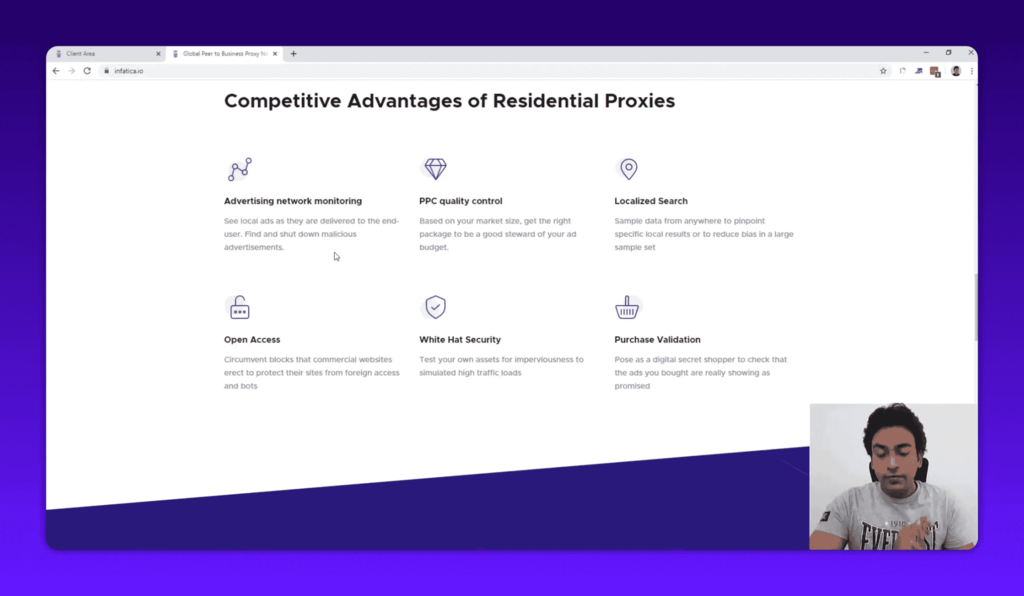
The core selling point is scale: a pool of 40 million IPs across 195 countries. These are residential IP addresses from real users, not IPs rented from server farms, which matters for any work that needs to look like an actual user to websites and search engines. A larger pool means each IP gets reused less, which directly improves the success rate of requests that would otherwise hit rate limits; smaller providers with 1-5 million IPs see faster pool exhaustion during heavy scraping.
The users who contribute their IP addresses have given explicit consent, and their devices only participate when idle. Some proxy networks pull IPs through malware or without consent, which is a legal and ethical problem for the buyers of those proxies, not just the provider. Infatica also holds ISO 27001 certification, which most proxy providers do not.
The service has a 4.8/5 rating on G2 based on user reviews, and the company claims a 99.9% uptime guarantee with a 0.4-second response time. Those last two are Infatica’s own published figures, not independently audited results.
Six proxy types, and which one your job needs
Choosing the wrong proxy type is the most common mistake buyers make, so here is each one.
Residential proxies
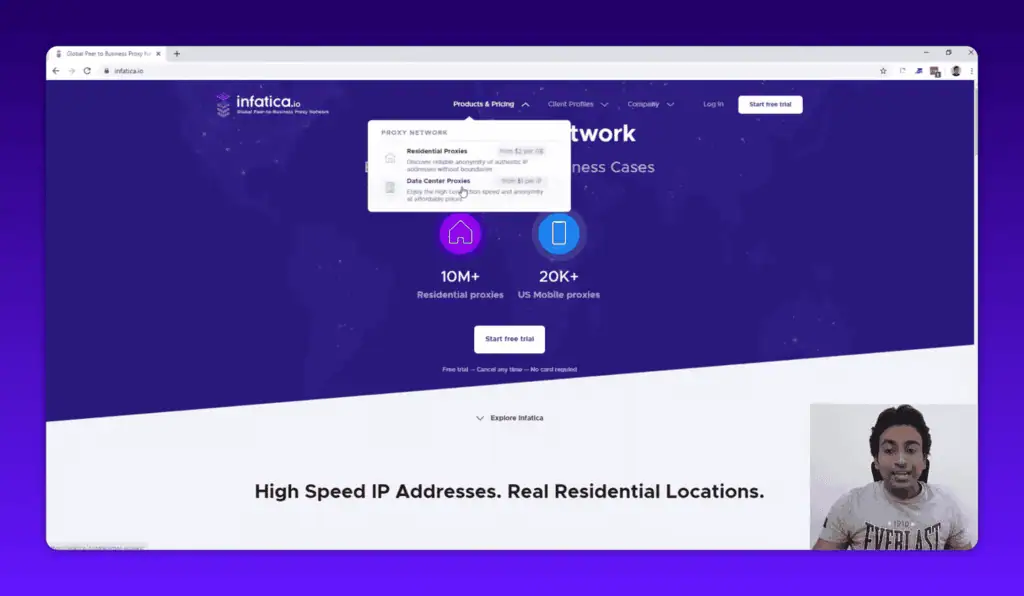
These are Infatica’s core product. Residential proxies use real user IP addresses from devices in homes across 195 countries, and the IPs rotate dynamically, so you are not hitting the same IP twice in a short window. They are the right choice when you need to look like a real user. The tradeoff is cost: at $4/GB pay-as-you-go, they are significantly more expensive than datacenter proxies, and if you just need to mask an IP without caring about detection, you do not need residential.
Premium IPv6 residential proxies
Infatica also offers IPv6 residential proxies at a higher price point (starting at $6/GB). IPv6 is less commonly blocked than IPv4 because it is newer and sites have had less time to build block lists against IPv6 ranges. If you are hitting targets that actively block IPv4 residential ranges, this tier is worth testing.
Static ISP proxies
Static ISP proxies are a hybrid: they look like residential IPs (because they are assigned by ISPs to residential connections) but they do not rotate. You get a fixed IP that appears residential to the target site, from $1.95/IP per month with unlimited traffic. Logging into an account repeatedly from a changing IP triggers security flags, so this is the tier for anything that needs session persistence.
Mobile proxies
Mobile IPs are the hardest to detect because they come from mobile carrier networks. Pricing starts at $8/GB, the most expensive tier. I would only use mobile proxies when targeting apps or services that specifically block everything except mobile traffic, or when other proxy types are consistently getting blocked.
Shared datacenter proxies
Shared datacenter proxies start at $0.60/GB pay-as-you-go, down to $0.30/GB at the 2TB tier. These are the cheapest option and the least anonymous: they come from server IPs, which sophisticated targets can identify as non-residential. Good for simple tasks where detection is not a concern.
Dedicated datacenter proxies
Dedicated datacenter proxies run $1 to $1.50 per IP per month with unlimited traffic. You get a fixed server IP that no one else is using. Less risk of inherited reputation problems from shared IPs, but still obviously a datacenter origin to any site checking.
Setting up the rotating residential endpoint
Infatica works differently from a conventional proxy: you do not receive an IP, you receive an endpoint that fronts a rotating pool.
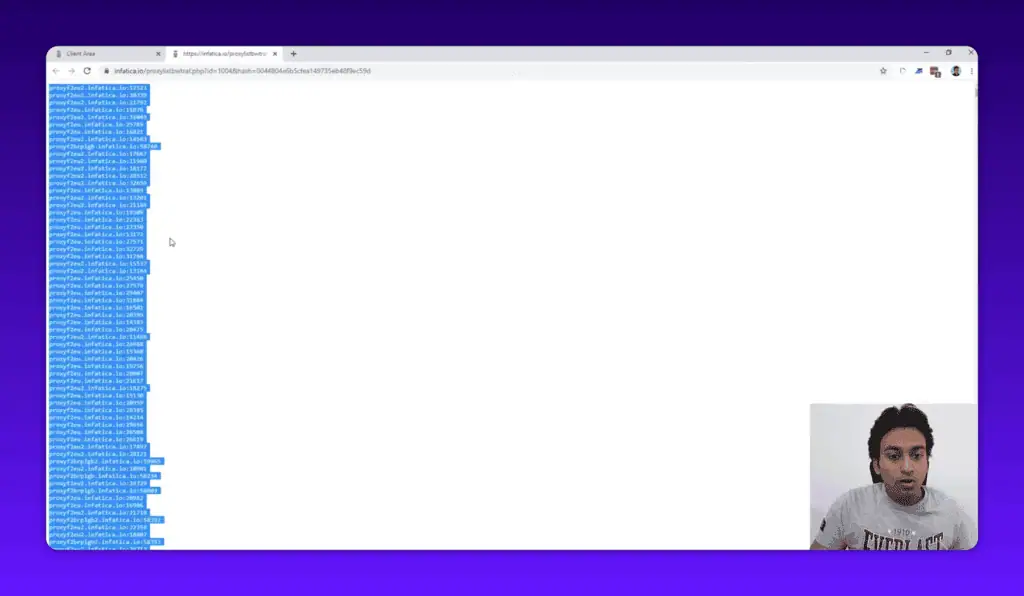
- Endpoint, not IP. Instead of a static IP, port, username and password like you would get with a datacenter proxy, you get a dynamic host and port. The network rotates through the residential pool behind it on your behalf.
- Authentication. Either whitelist your machine’s IP in the dashboard or use username and password credentials. Both work for programmatic use.
- Rotation. IPs rotate automatically roughly every hour, and you can force a fresh rotation manually from the dashboard when you need one sooner.
- Pool management. The dashboard shows traffic used and IPs available, and supports up to 20 simultaneous proxy lists so different jobs can run against different configurations.
- Geo-targeting. Targeting works at country, region, city and ISP level. The last two levels are what make local SERP work viable.
- API. Proxy management is available programmatically, so rotation and list handling can sit inside a scraping pipeline rather than being clicked through.
The pattern shows up on any local SEO job that spans several countries. Run the checks through datacenter proxies and Google starts blocking after a few dozen queries; run the same queries through a residential pool and they keep going. The variable that changed is the IP type, not the volume or the code. If your current scraper is hitting CAPTCHAs or blocks within minutes, the problem is almost always the proxy type.
Infatica pricing per GB, as of June 2026
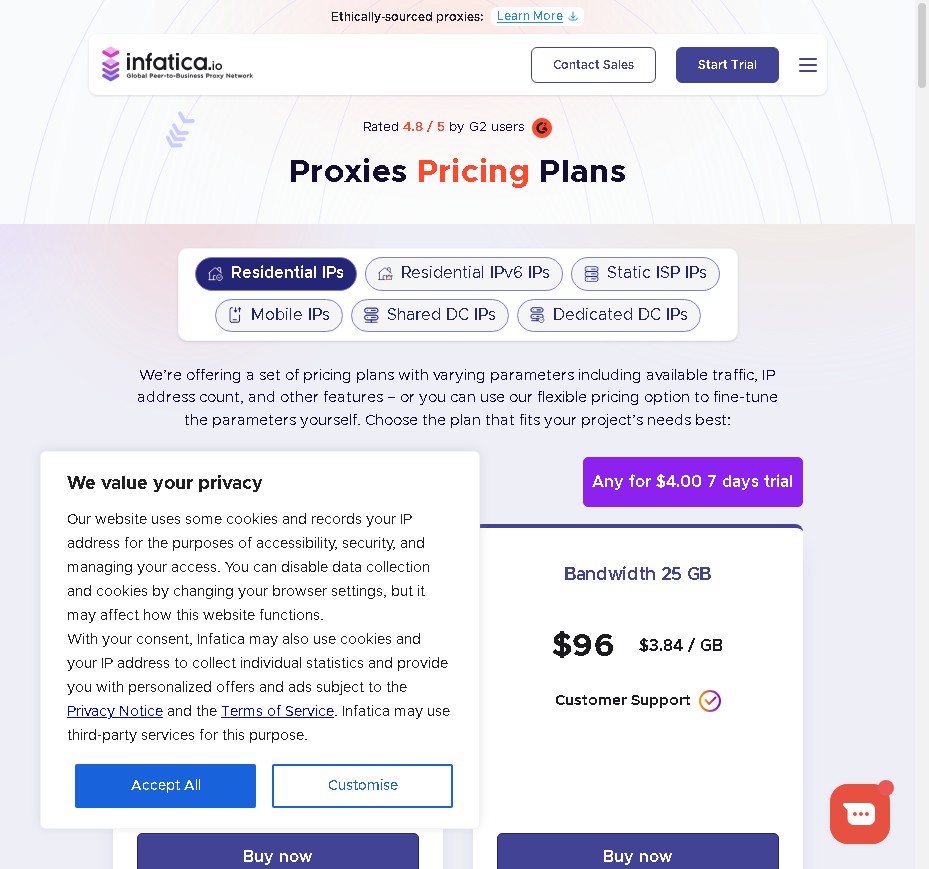
| Proxy Type | Starting Price | Most Popular Tier | Notes |
|---|---|---|---|
| Residential | $4/GB (PAYG) | 241 GB for $700 ($2.90/GB) | Down to $2.60/GB at 1TB |
| Premium IPv6 Residential | $6/GB (PAYG) | 241 GB for $1,050 ($4.36/GB) | Harder to block |
| Static ISP | $1.95/IP/month | From $3/month | Unlimited traffic |
| Mobile | $8/GB (PAYG) | 40 GB for $240 ($6/GB) | Most expensive, hardest to detect |
| Shared Datacenter | $0.60/GB (PAYG) | 350 GB for $149 ($0.43/GB) | Cheapest option |
| Dedicated Datacenter | $1/IP/month | Custom packages | Unlimited traffic |
Annual billing gives you 20% off versus monthly. There is also a free trial available with no credit card required. If you have a coupon code, Infatica offers a 15% discount on paid plans.
At $2.60/GB at the 1TB tier, Infatica sits in the middle of the market for residential proxies. You can find cheaper residential proxies, but most of the cheaper options have smaller IP pools and higher block rates. You can find more expensive options with extra features, but for the use cases below, the pricing is reasonable.
Where Infatica earns its $4/GB
SEO scraping and web scraping
Collecting SERP data at scale, running keyword research tools that pull live rankings, auditing competitor pages across geographic locations, and crawling sites for on-page data all require proxies that do not get blocked. Infatica’s residential pool makes large-scale web scraping practical, because a block on one IP does not stop your job; the system moves to another IP automatically.
Local SERP monitoring
This is one of the more specific jobs I use proxies for: checking how search results actually appear to users in a specific city or country, and what competitors are ranking for there. Google shows different results based on your location. A residential IP from London shows you what a London user sees; a datacenter IP from a server in Frankfurt does not reliably simulate that. City and ISP-level targeting is what makes this work.
PPC and ad quality control
If you run paid ads in multiple markets, you need to verify that your ads are appearing correctly, that your targeting is working as expected, and that competitors are not running misleading ads near your brand terms. Checking this from a single IP does not give you a realistic picture. Residential IPs from the target market do.
Price aggregation
Building a price comparison tool or monitoring competitor pricing across regions means pulling data that looks different depending on where you connect from, because e-commerce sites frequently serve location-specific pricing. Residential IPs give you what local shoppers actually see.
Brand protection and market research
Monitoring where your brand appears online, checking for trademark infringement, and gathering competitive intelligence at scale all benefit from the same proxy infrastructure, and the API makes it straightforward to wire into automated workflows.
Who should buy something else
- Occasional single-IP masking. A VPN is cheaper and simpler for that job.
- Datacenter-only workloads. Specialist datacenter providers undercut these tiers.
- Very high bandwidth on a tight budget. At $4/GB pay-as-you-go, heavy residential use escalates quickly.
- Session-persistent logins on the rotating tier. That work needs static ISP proxies instead.
- Anyone expecting the proxy to make ToS compliance someone else’s problem. Legality of the collection is on you.
Bandwidth bills and borrowed devices: the limits
- Residential bandwidth is the whole cost model, and it adds up fast. A job that pulls tens of gigabytes at $4/GB is a real invoice, and the volume discounts only start mattering at 241 GB and above. The real decision is not the per-GB headline but how many gigabytes your jobs pull.
- No unlimited plans on the bandwidth tiers. Every residential and mobile tier is metered, so unpredictable scraping workloads are hard to budget and easy to overrun.
- Datacenter pricing is not competitive. Shared datacenter at $0.60/GB and dedicated at $1 to $1.50 per IP are mid-market, and cheaper specialists exist if that is all you need.
- Hourly rotation is the default behaviour, not a setting you can ignore. Anything requiring a persistent session has to move to static ISP proxies, which is a separate purchase, and finding that out mid-project is an avoidable annoyance.
- Pool performance depends on idle consenting devices. A P2P network’s availability in a specific country or at a specific hour is not guaranteed the way a datacenter fleet’s is, and thin regions behave differently from headline pool size.
- The headline metrics are the vendor’s own. 40 million IPs, 99.9% uptime and 0.4-second response time are Infatica’s published figures, and the G2 rating of 4.8 out of 5 is user-reported.
- Mobile is priced as a last resort. At $8/GB it only makes sense for targets that block everything except mobile carrier traffic.
- Free trial is a sample, not a load test. Enough to confirm the setup works, not enough to measure block rates at production volume.
Is Infatica legit and safe?
Yes. Infatica has been operating since 2018, holds ISO 27001 certification, has verifiable reviews on G2 (4.8/5), and uses an ethically consented IP network. The company is Singapore-based and transparent about how its peer-to-peer network functions.
Residential proxies are legal in most jurisdictions when used for legitimate purposes: SEO research, market research, ad verification, and price monitoring are all standard business applications. Using proxies to violate a website’s terms of service is a separate issue, and you are responsible for making sure your specific activities comply with the terms of the sites you access and with applicable local laws.
Cheaper and bigger networks to price against it
IPRoyal when cost per gigabyte decides, Decodo for a broader web-data platform at a similar rate at volume, and Bright Data at enterprise scale.
| Alternative | Price | Pick it instead when |
|---|---|---|
| IPRoyal | Residential from $1.75/GB pay-as-you-go with traffic that does not expire; datacenter from $1.39 per proxy; ISP from $1.80 per proxy; mobile from $117 per month | Cost per gigabyte is the deciding factor and you want traffic that carries over instead of expiring monthly |
| Decodo (formerly Smartproxy) | Residential from about $3.75/GB on the entry plan, scaling to roughly $2.00/GB at 1 TB; pay-as-you-go around $4/GB; 3-day trial with 100 MB | You want a broader web-data platform around the proxies and a similar per-GB rate at volume |
| Bright Data | Enterprise-tier pricing, quoted per plan | You need the largest pool, compliance paperwork and account management, and price is not the constraint |
Check each vendor’s current rate card before committing, because per-GB pricing in this market moves often. For the scraping layer that sits on top of proxies, see the Outscraper review.
What I used Infatica for, and the verdict
I bought Infatica access with my own money and used it for the work I do: local SERP monitoring across multiple markets and collecting competitor pricing data. Rotation behaved as documented, and the dashboard reported traffic and pool availability clearly.
Verdict: buy the residential tier, and buy datacenter elsewhere. Infatica’s case is the consented, ISO 27001-certified 40-million-IP residential pool with city and ISP targeting, and that is worth $4/GB when blocks are what stop your jobs. It is not worth it for throughput work where detection does not matter, because IPRoyal’s residential starts at $1.75/GB and the shared datacenter tier here is mid-market. Run the card-free trial against your actual target, not a test page, and size the purchase by the gigabytes your jobs pull; if any job needs a persistent login, budget for static ISP proxies from the start.
Detection and free proxies: two common questions
Are residential proxies detectable?
Residential proxies are significantly harder to detect than datacenter proxies because they originate from real user connections, and most anti-scraping systems look for datacenter IP ranges and server fingerprints. Nothing is completely undetectable, but a rotating pool sourced from real users across 195 countries passes most detection checks.
Are free proxies worth using instead?
Free proxies are almost never worth using for professional work. They have extremely small IP pools, extremely high block rates, and no reliability guarantees, and many are compromised or monitored.
Disclosure: This article contains affiliate links. If you purchase through my link, I receive a commission at no additional cost to you. I purchased access to Infatica with my own money and the review reflects my actual testing experience.
Related Posts

I tested AgainstData on 355 pages of Gmail data. Bulk unsubscribe, personal data deletion requests, pricing, and whether...

AI-Text-Humanizer.com took a 132-word ChatGPT paragraph from 100% AI to 0% on ZeroGPT but flattens your voice. Buy the $...

AIscan24 is a free, no-signup AI detector: it caught pure ChatGPT text at 100% but scored my handwritten paragraph 80%. ...

Honest Aithenticate review after hands-on testing. Does this AI disclosure badge tool meet EU AI Act requirements? Prici...

My hands-on Answer Socrates review covering all features, free plan limits, pricing, and how it compares to AlsoAsked. I...

I’ve spent $4,200 on 118 AppSumo lifetime deals over 5 years. Here’s my honest review: what works, what fails, and wheth...